-7-
8. Web Page Setting
When the IP setting is done, the operator may setup all the rest
parameters via web page. Browse the IP address from Internet
Explorer (e.g. http://192.168.0.100
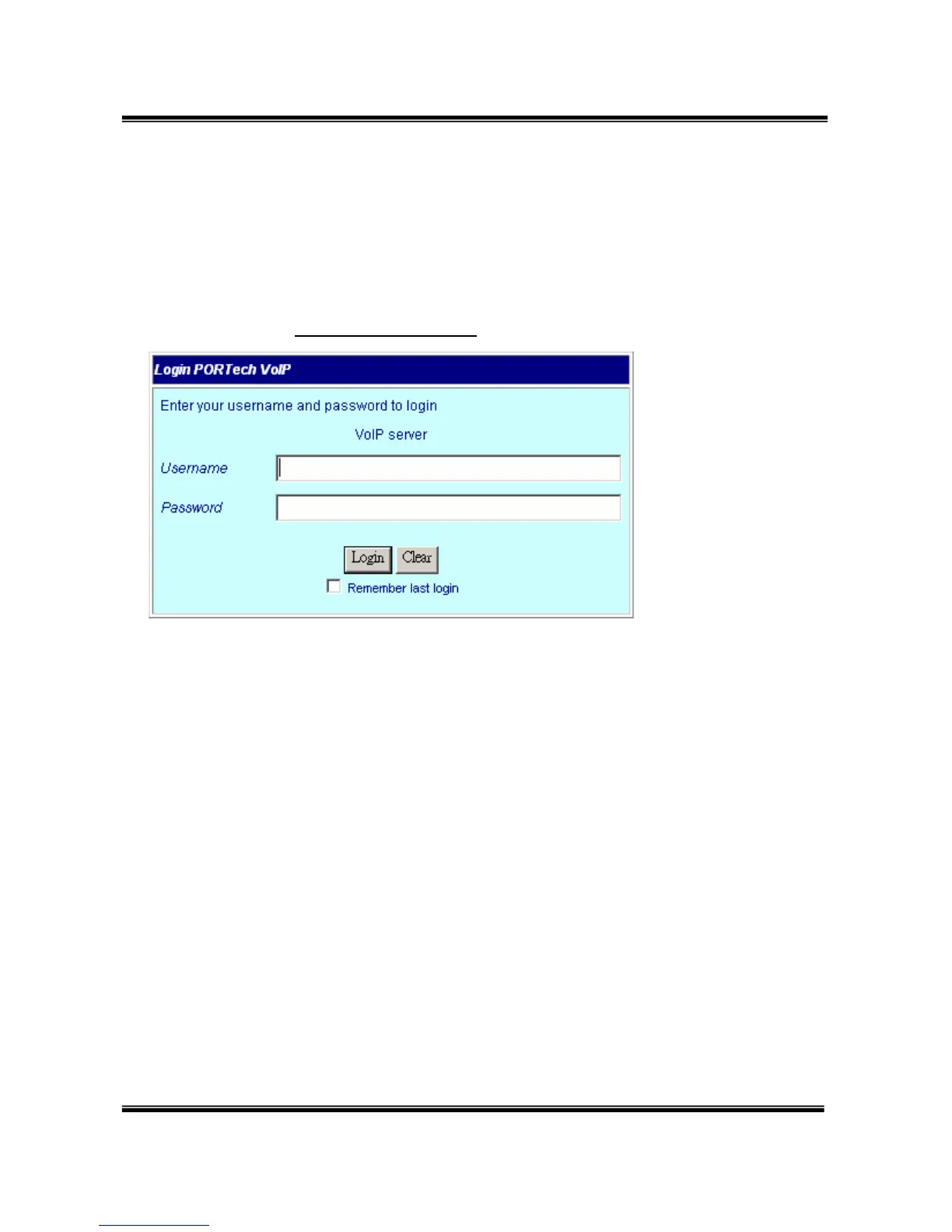
)。The following page shows up:
Enter the username and password for authentication. (default
username=voip, password=1234). The page follows when the
username and password are correct.


 To Next Page