SunFounder GalaxyRVR Kit for Arduino, Release 1.0
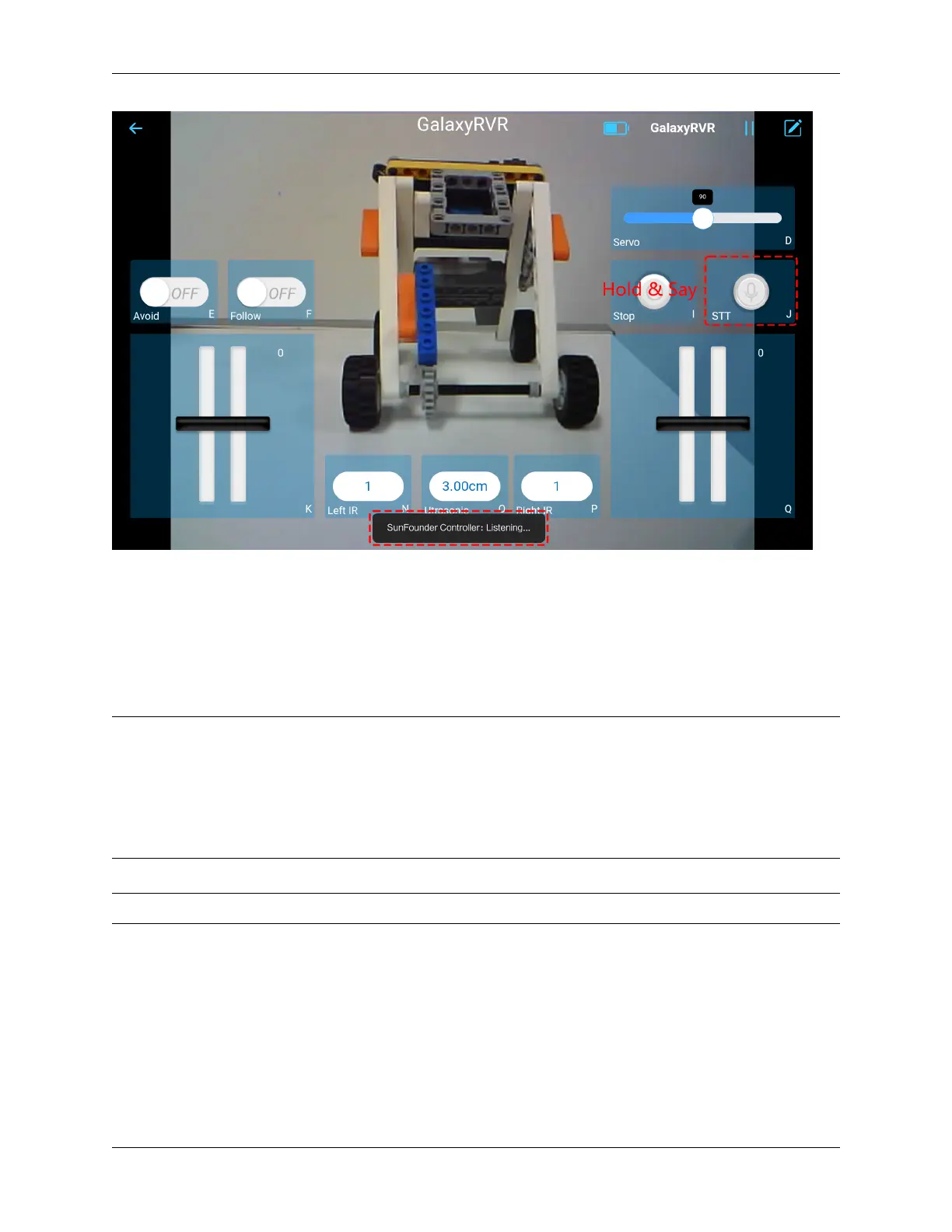
• stop: All movements of the rover can be stopped.
• forward: Let the rover move forward.
• backward: Let the rover move backward.
• left: Let the rover turn left.
• right: Let the rover turn right.
Note: The STT (Speech to Text) function requires an internet connection and Google services on Android devices.
However, this doesn’t work with the pre-set AP (Access Point) mode on the GalaxyRVR.
In AP mode, the GalaxyRVR creates a local Wi-Fi network that your mobile device can connect to, but it does not
provide internet access.
To use the STT function on Android, switch the Rover’s code from AP to STA mode as outlined in Q3: How can I use
the STT mode on my Android device?.
Note: iOS devices, using an offline voice recognition engine, work fine in both AP and STA modes.
2.4. STT(J) 11



 To Next Page