SunFounder GalaxyRVR Kit for Arduino, Release 1.0
So, after running the above code, you will see the motor speed gradually increasing. It stops for a
second, and then starts again from 0 and gradually increases.
In this step, we have learned about Pulse Width Modulation (PWM), a technique for controlling the speed of our motor.
By using the Arduino’s SoftPWM library, we can adjust the speed of the motor, allowing us to simulate analogue signals
while only outputting digital signals. This provides us with finer control over our rover’s movements, and prepares us
for more complex maneuvers in the future.
Step 5: Reflect and Improve
Having completed this lesson, you should now be familiar with the working principles of motors, as well as how to
control their direction and speed through programming.
Let’s test your understanding with these challenges:
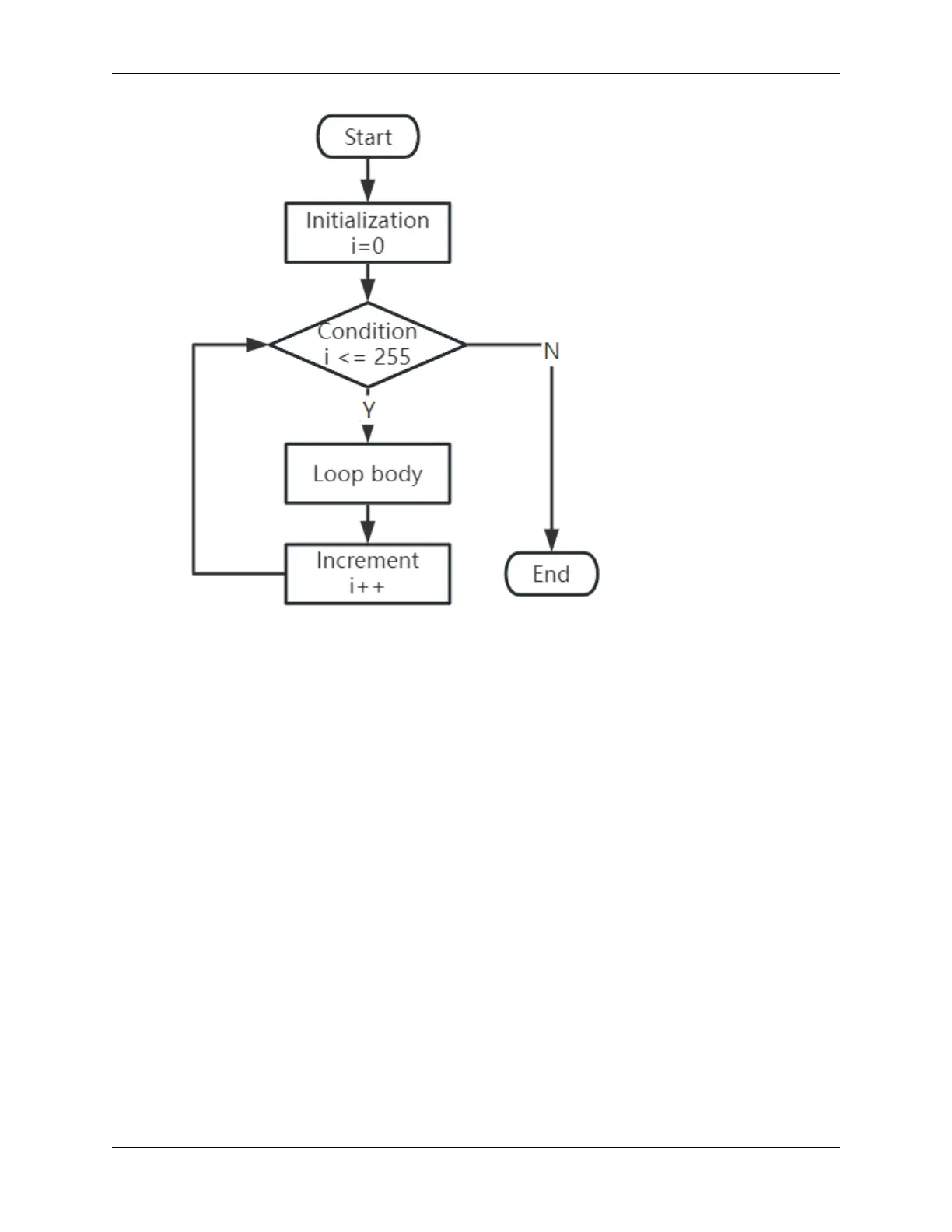
• How would you modify the for loop to gradually decrease the motor speed?
• How would you control the motor to accelerate or decelerate while rotating counterclockwise?
You can experiment with the provided code to answer these questions. Feel free to adjust the code according to your
hypotheses and observe the changes in the motor’s behavior.
Your hands-on experiments and reflections on these questions will deepen your understanding and enhance your
problem-solving skills. It is through challenges like these that real learning occurs. Always remember, there is no
“right” or “wrong” in your exploratory journey – this is all about learning and discovery!
3.4. Lesson 4: Mastering the TT Motor 45



 To Next Page