SunFounder GalaxyRVR Kit for Arduino, Release 1.0
// Define the pin for the ultrasonic module
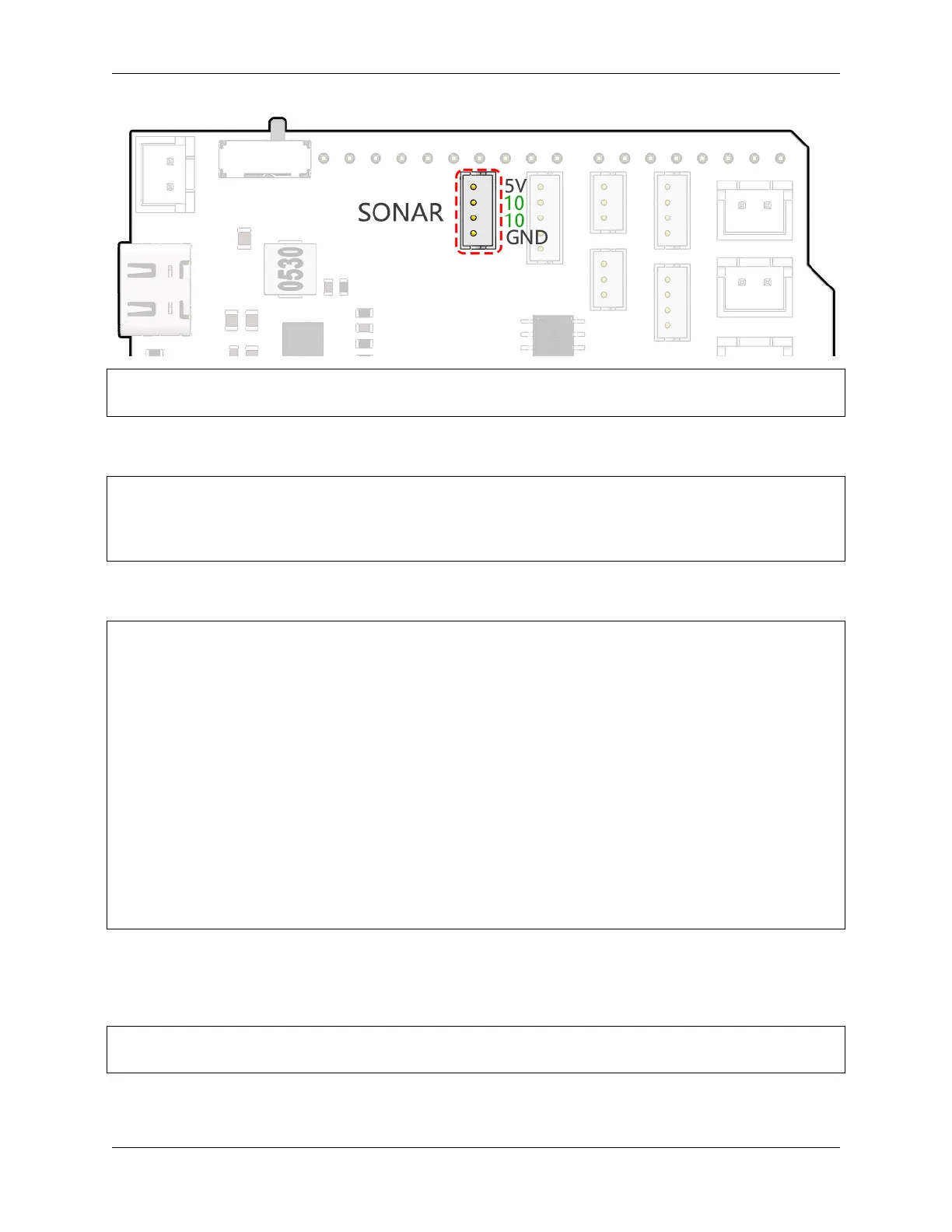
#define ULTRASONIC_PIN 10
• Preparation: To start, we establish serial communication at a 9600 baud rate so we can see the superhero’s
measurements in our Serial Monitor.
void setup() {
// Start the serial communication
Serial.begin(9600);
}
• Shout Out!: We set the ULTRASONIC_PIN as an OUTPUT pin to send a 10-microsecond pulse, which is like
commanding our ultrasonic superhero to emit a powerful shout (ultrasonic sound waves)!
// A 4ms delay is required, otherwise the reading may be 0
delay(4);
//Set to OUTPUT to send signal
pinMode(ULTRASONIC_PIN, OUTPUT);
// Clear the trigger pin
digitalWrite(ULTRASONIC_PIN, LOW);
delayMicroseconds(2);
// Trigger the sensor by sending a high pulse for 10us
digitalWrite(ULTRASONIC_PIN, HIGH);
delayMicroseconds(10);
// Set the trigger pin back to low
digitalWrite(ULTRASONIC_PIN, LOW);
• Wait and Listen: Set the ULTRASONIC_PIN as INPUT. This way, our superhero sensor is now ready to listen
for the echo of its shout. If there is an obstacle in front, the shout will hit it and echo back. On hearing the echo,
our superhero stops the stopwatch and notes the time. It also sends out a high-level signal to let the MCU know
it heard an echo.
pinMode(ULTRASONIC_PIN, INPUT);
float duration = pulseIn(ULTRASONIC_PIN, HIGH);
• Super Math: With the echo returned, our sensor uses the speed of sound to calculate the distance to the object.
We divide the total echo time by 2 because the time includes both the shout out and the wait for the echo.
62 Chapter 3. Course Mode



 To Next Page