TS7-Pro 7-inch Touch Screen
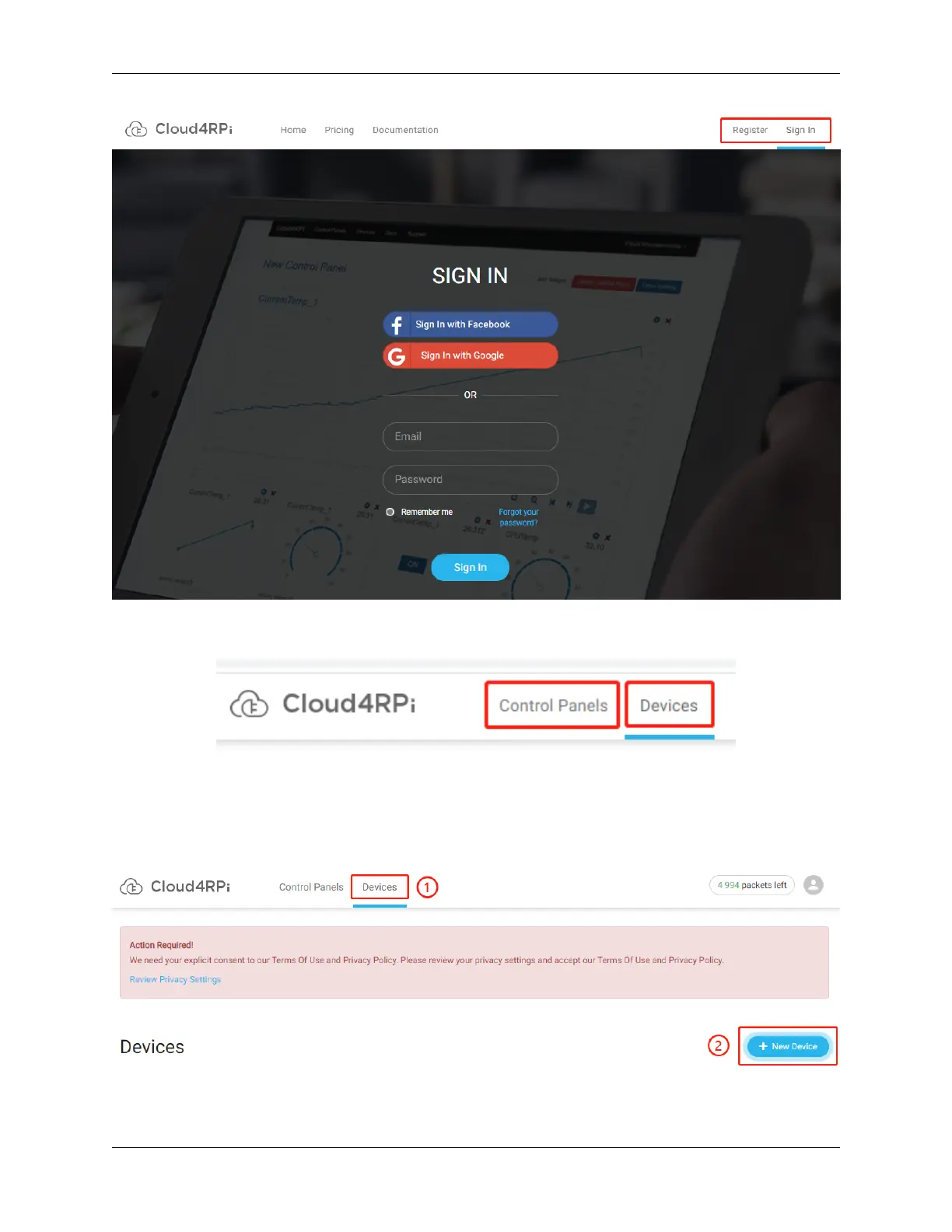
Once logged in, you should see two buttons at the top of Cloud4RPi, Devices to display the device connections and
Control Panels to display the information received or sent from the Raspberry Pi on the webpage.
Connect Your Raspberry Pi to Cloud4RPi
After logging in, click the Devices option, and then click New Device.
Give the new device a name, and copy the current Device token to the clipboard.
104 Chapter 5. PROJECTS AND ACTIVITIES



 To Next Page