TS7-Pro 7-inch Touch Screen
Open the terminal of the Raspberry Pi and download the test examples provided by Cloud4RPi.
cd /home/pi
git clone https://github.com/cloud4rpi/cloud4rpi-raspberrypi-python.git
Use a text editor such as Nano to modify the content of the control.py file.
cd cloud4rpi-raspberrypi-python
sudo nano control.py
Find the following line of code.
DEVICE_TOKEN = '__YOUR_DEVICE_TOKEN__'
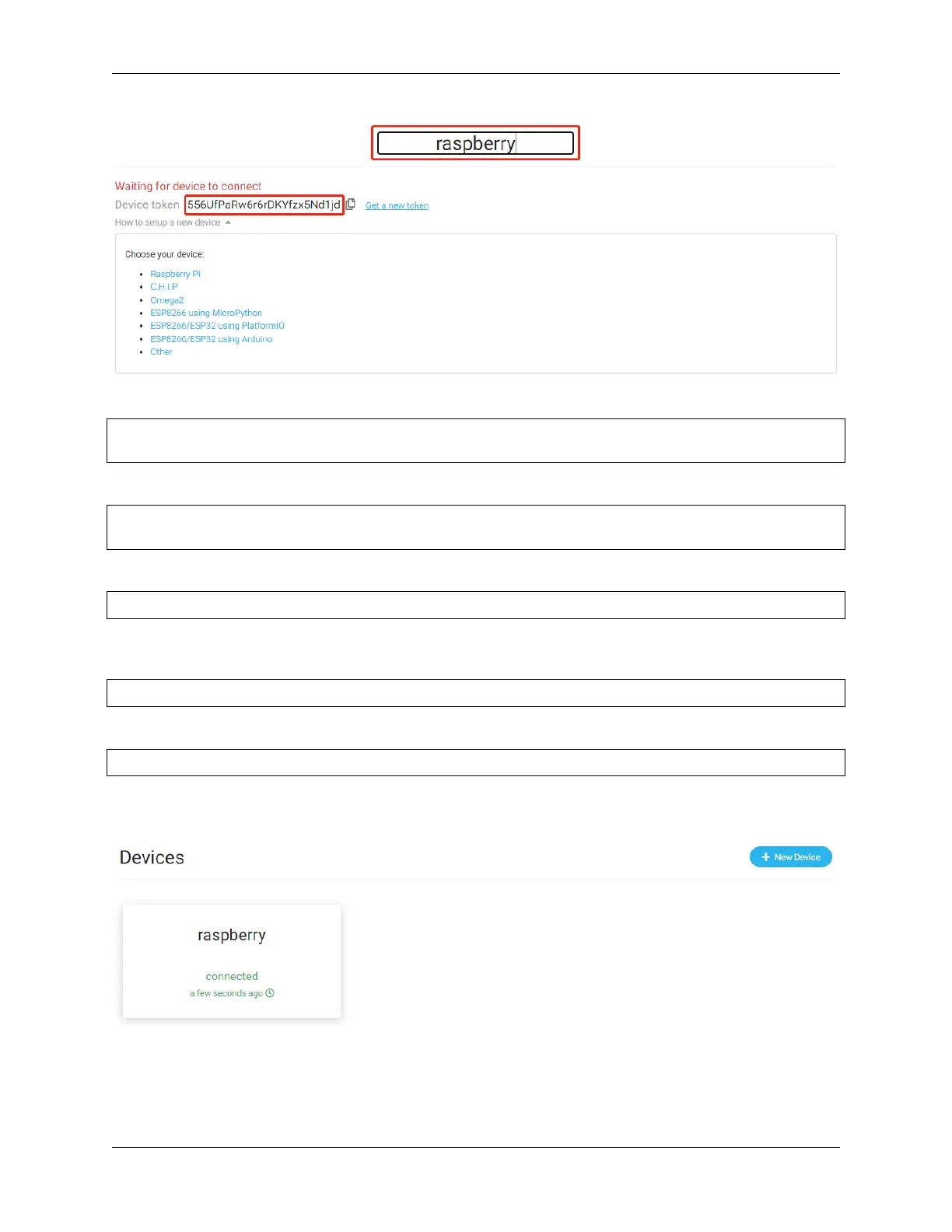
Replace __YOUR_DEVICE_TOKEN__ with the Device token copied from the Cloud4RPi. Press Ctrl + X to
complete the modification.
DEVICE_TOKEN = '556UfPaRw6r6rDKYfzx5Nd1jd'
Run the sample file control.py.
sudo python3 control.py
Browse back to the Cloud4RPi server page. If your Raspberry Pi is connected to Cloud4RPi, the device information
will turn green.
5.5. Cloud4RPi 105



 To Next Page