TS7-Pro 7-inch Touch Screen
Using the Cloud4RPi Control Panels
The control panel on the Cloud4RPi server provides many useful widgets for IoT applications. These widgets can be
used to control the conponents or display sensor data.
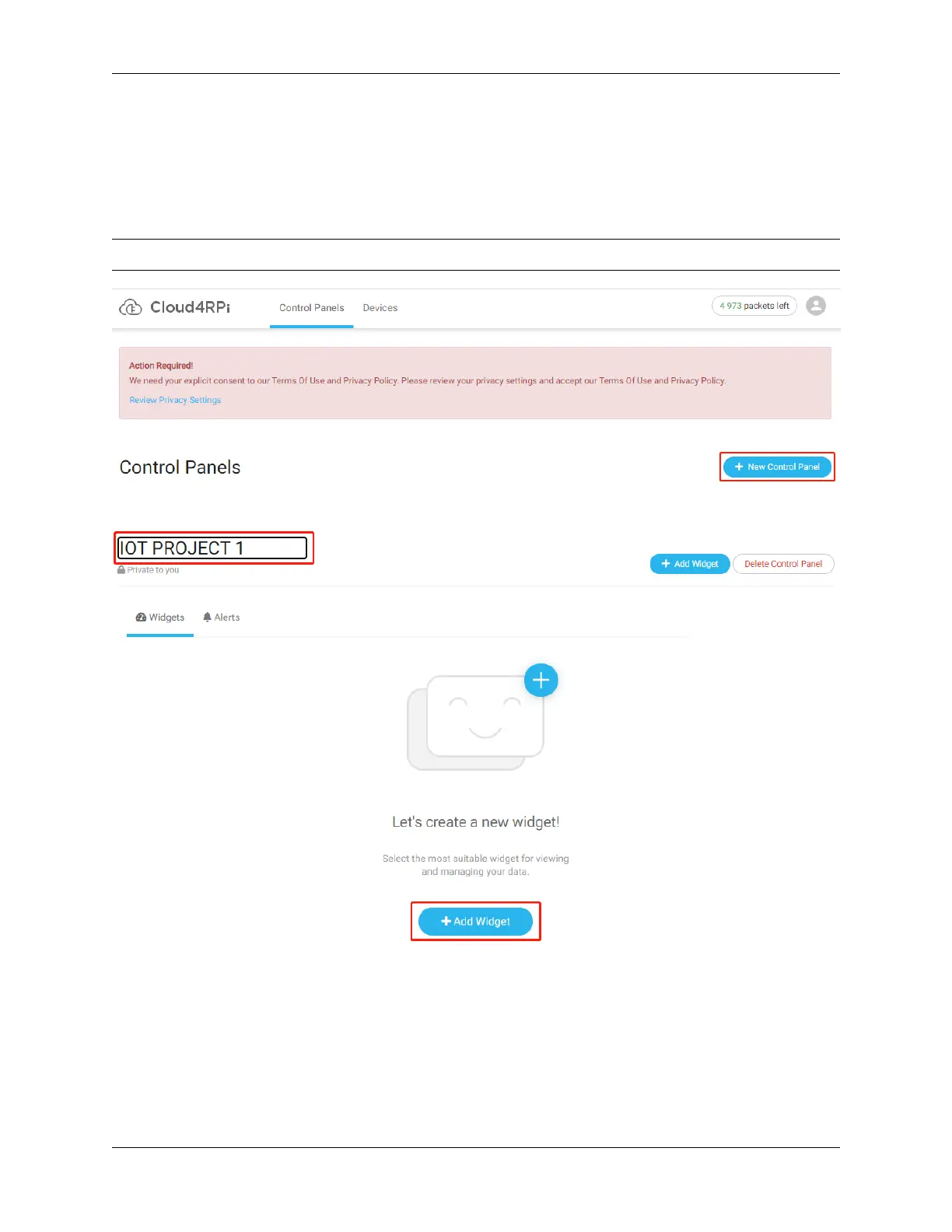
After entering Control Panels, click the New Control Panel button.
Note: Always run the control.py file before using the Control Panel.
Enter a Control Panel name, and then click on the Add Widget button.
Before clicking the Add Widget button again, you need to select the appropriate widget and the variable to be dis-
played.
106 Chapter 5. PROJECTS AND ACTIVITIES



 To Next Page