TS7-Pro 7-inch Touch Screen
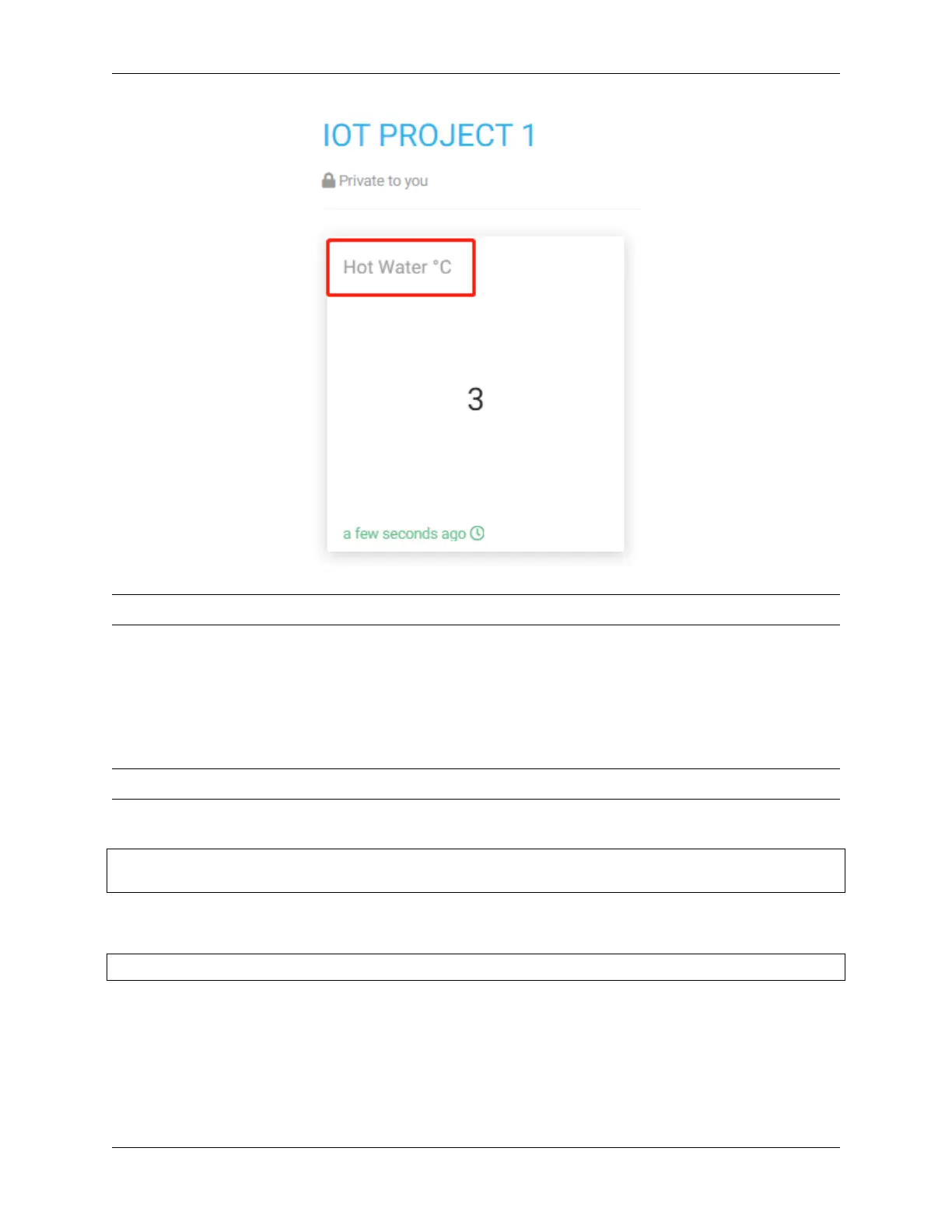
Note: We will introduce these displayed data in detail in the chapter Learn More about control.py.
5.5.2 Learn More about control.py
In order to better understand the projects that follow, let’s take a look at the official sample code provided by
Cloud4RPi.
Note: Please complete the previous section Quick Guide on Cloud4RPi before viewing this section.
Open the control.py file.
cd cloud4rpi-raspberrypi-python
sudo nano control.py
Cloud4RPi will set a device token for each one, and you need to fill in the variable DEVICE_TOKEN with the correct
device token in order to connect to the corresponding device.
DEVICE_TOKEN = '556UfPaRw6r6rDKYfzx5Nd1jd'
variables is a 2-dimensional dictionary, and the value corresponding to each of its keys is also a dictionary.
The keys of the variables dictionary are 'Room Temp', 'LED On', 'CPU Temp', 'STATUS',
'Location', which are all data displayed on the Control Panel’s widgets.
The value of each key in the variables dictionary is also a dictionary, and the keys of these dictionaries are the
same, where the value of the 'bind' key is a function that can return the transferred content, and the 'type' is
108 Chapter 5. PROJECTS AND ACTIVITIES



 To Next Page