TS7-Pro 7-inch Touch Screen
Or click Binary Game, and then learn online tutorial on the Scratch official website.
Required Components
• A Screen
• Scratch 3 (either online or offline)
You Will Learn
• Understand binary numbers.
• Convert binary numbers to decimal numbers.
Lesson Guide
Arrange a small binary abacus at the bottom of the screen.
First, we delete the previous sprite. Upload the Zero.png file and Enter.png file in the sprite list, you have downloaded
them from github - ts7-pro before.
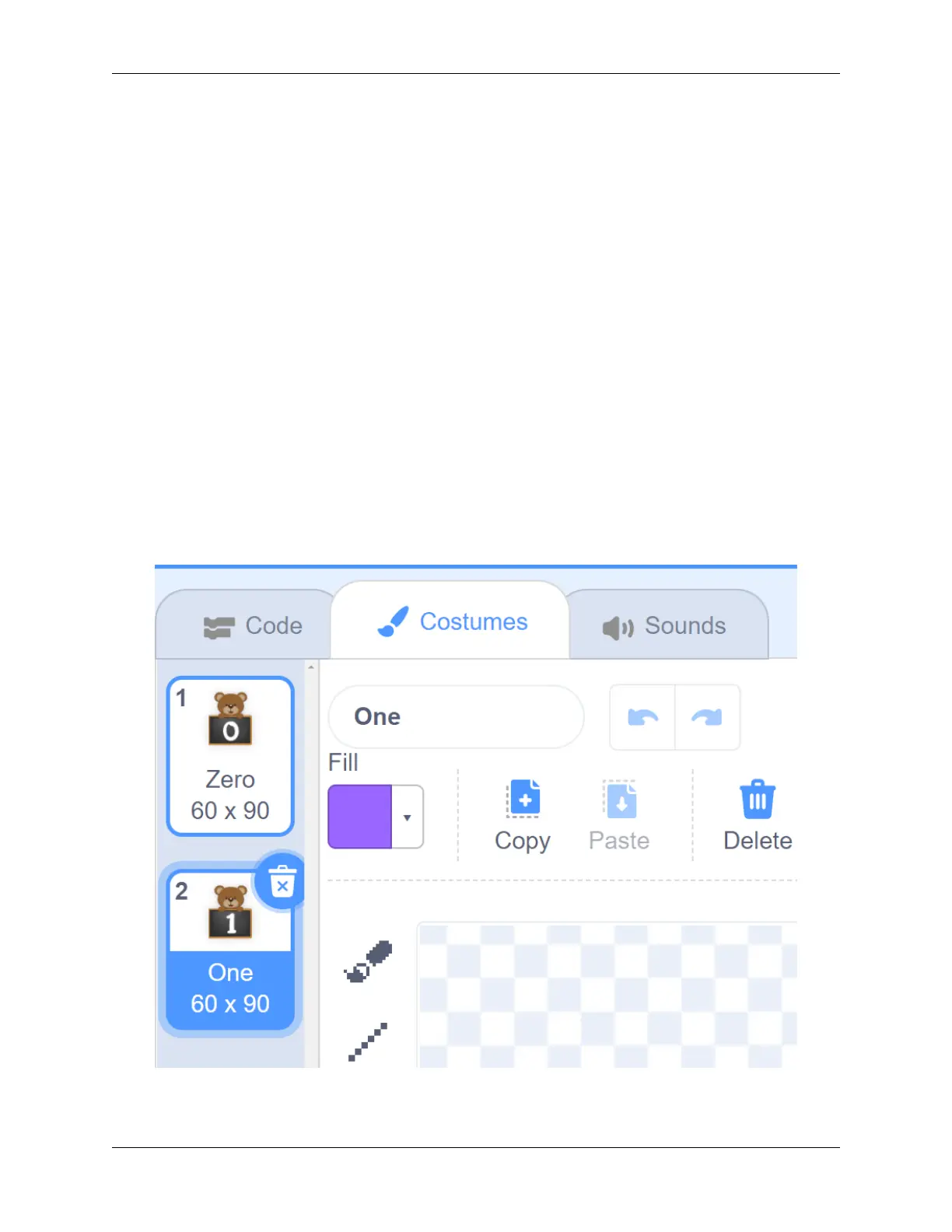
Then we upload the One.png file in the Costumes option of the Zero sprite, so that the Zero sprite has Zero costume
and One costume.
Then we copy the Zero sprite with the right mouse button, and there will be 3 new Zero sprites in the stage area.
5.7. Scratch Projects 173



 To Next Page