TS7-Pro 7-inch Touch Screen
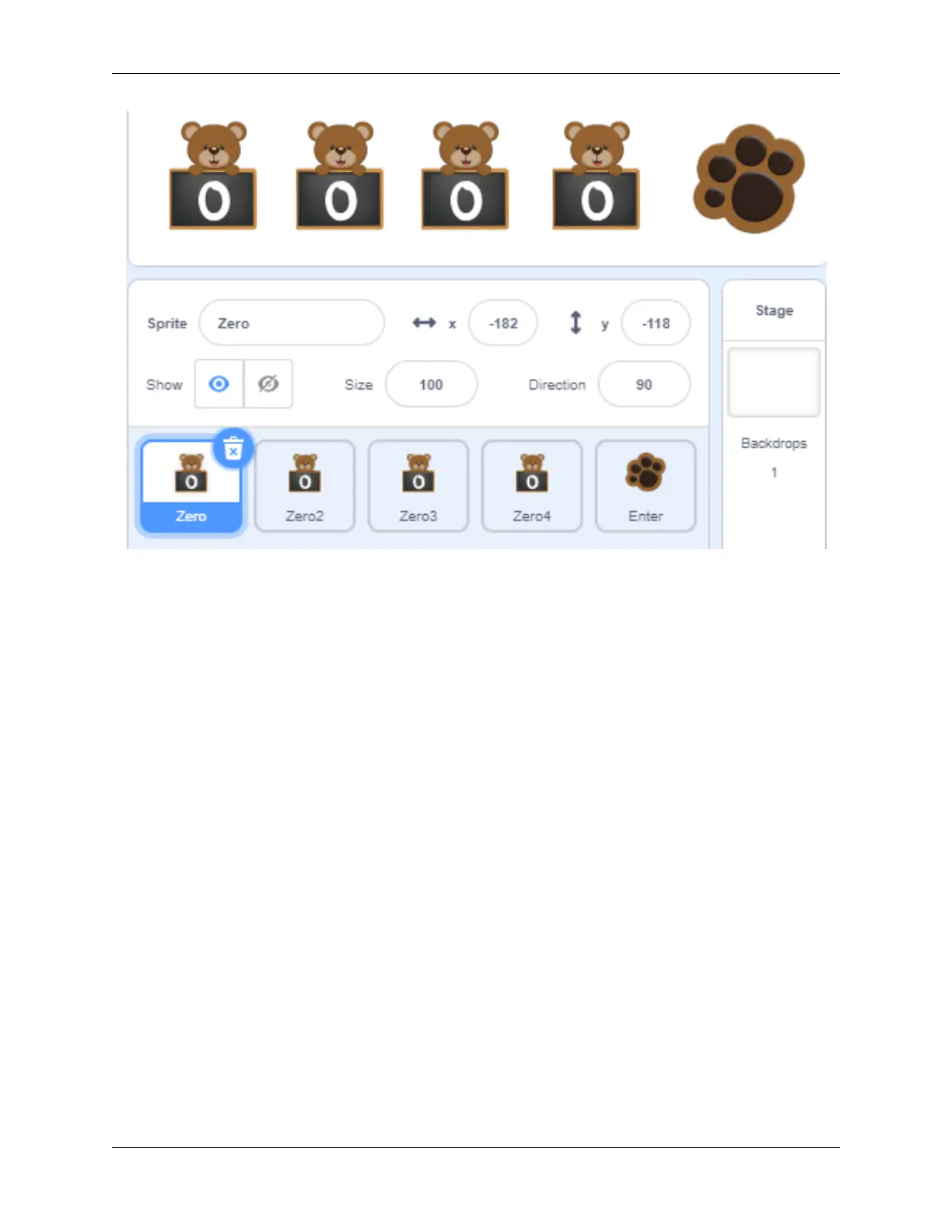
Set the default costume of the four sprites to Zero, record with the variables “num1”, “num2”, “num3”, and “num4”
respectively, and initialize the positions of the four sprites.
The program in the figure below is the program of the Zero sprite. The other three Zero sprites modify the variable
names and increase the X coordinate by 80 to make the effect arranged in order from left to right.
174 Chapter 5. PROJECTS AND ACTIVITIES



 To Next Page