TS7-Pro 7-inch Touch Screen
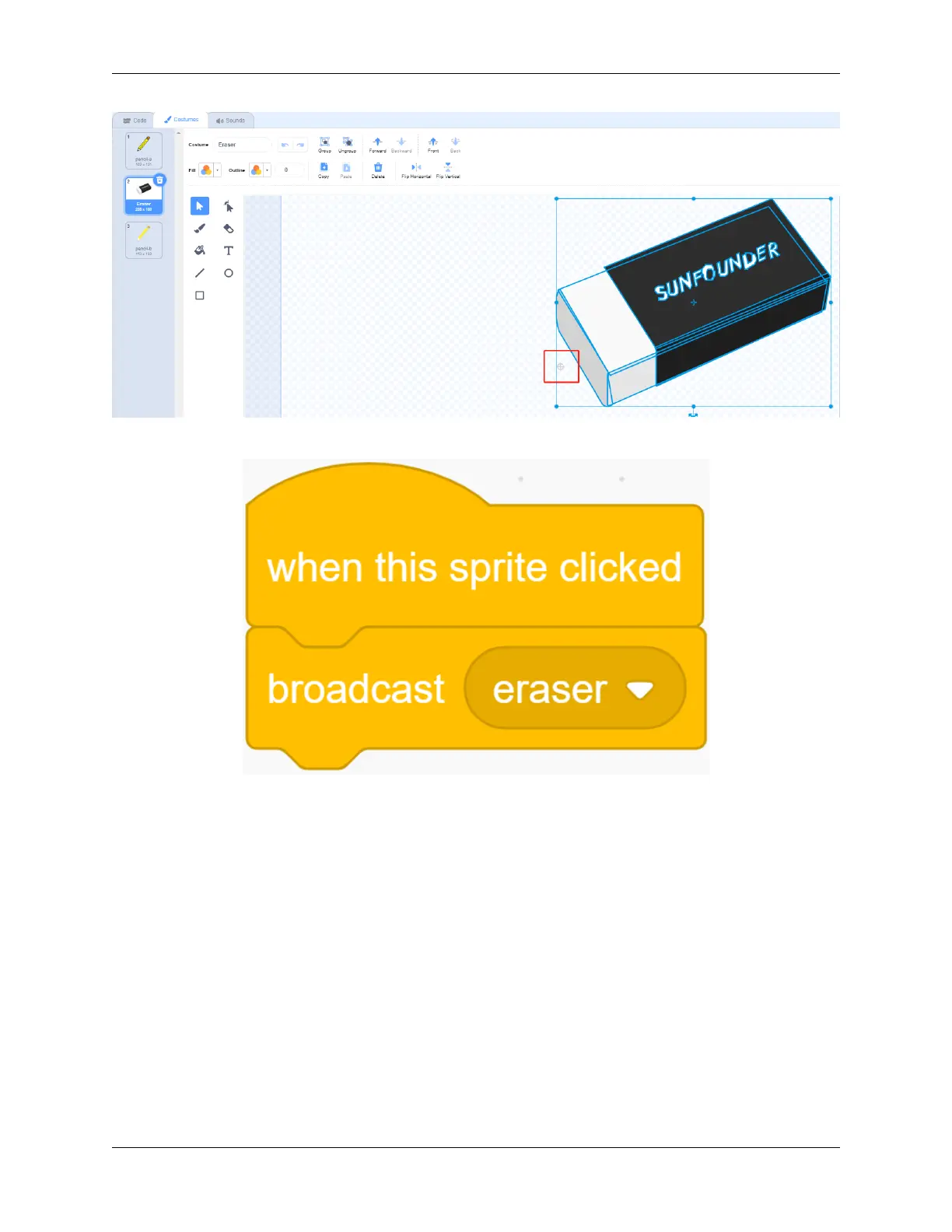
We started programming the Eraser sprite, and when it was clicked, we broadcast a new “eraser” message.
Then continue to add code for the Pencil sprite. When it receives the “eraser” message, it will change to the Eraser
costume,
so that when we click on the Eraser sprite, we can change the Pencil sprite’s costume to look like an Eraser sprite.
Then change the color to white that is consistent with the background color of the stage, so as to achieve the function
of partial removal.
5.7. Scratch Projects 199



 To Next Page