TS7-Pro 7-inch Touch Screen
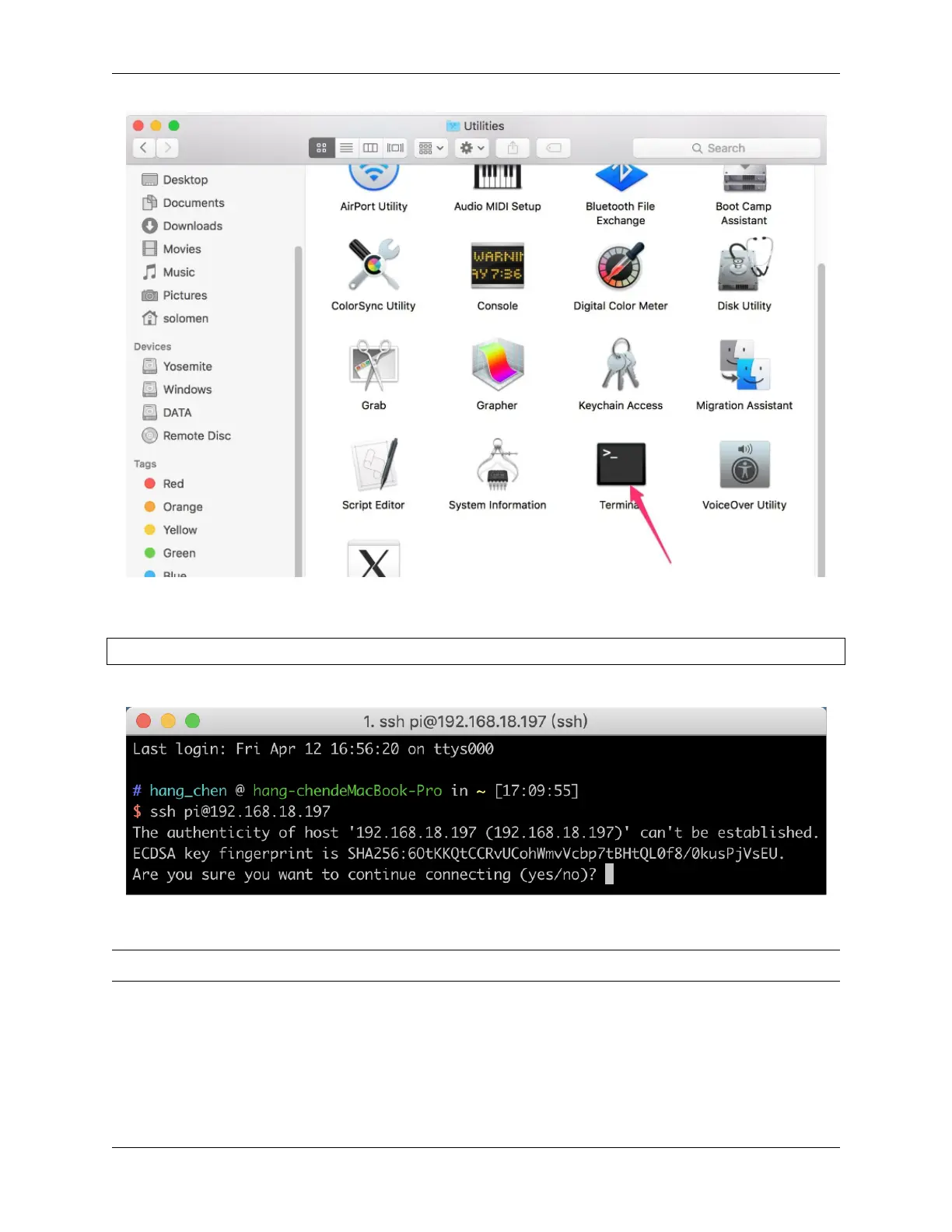
Type in ssh pi@ip_address where pi is the username and ip_address is the IP address of the Raspberry Pi.
For example:
ssh pi@192.168.18.197
At the prompt, type yes in lowercase.
The default password is raspberry.
Note: The characters do not display when typing in the password. Make sure to input the correct password.
6.2. Use the SSH Remote Control 221



 To Next Page