TS7-Pro 7-inch Touch Screen
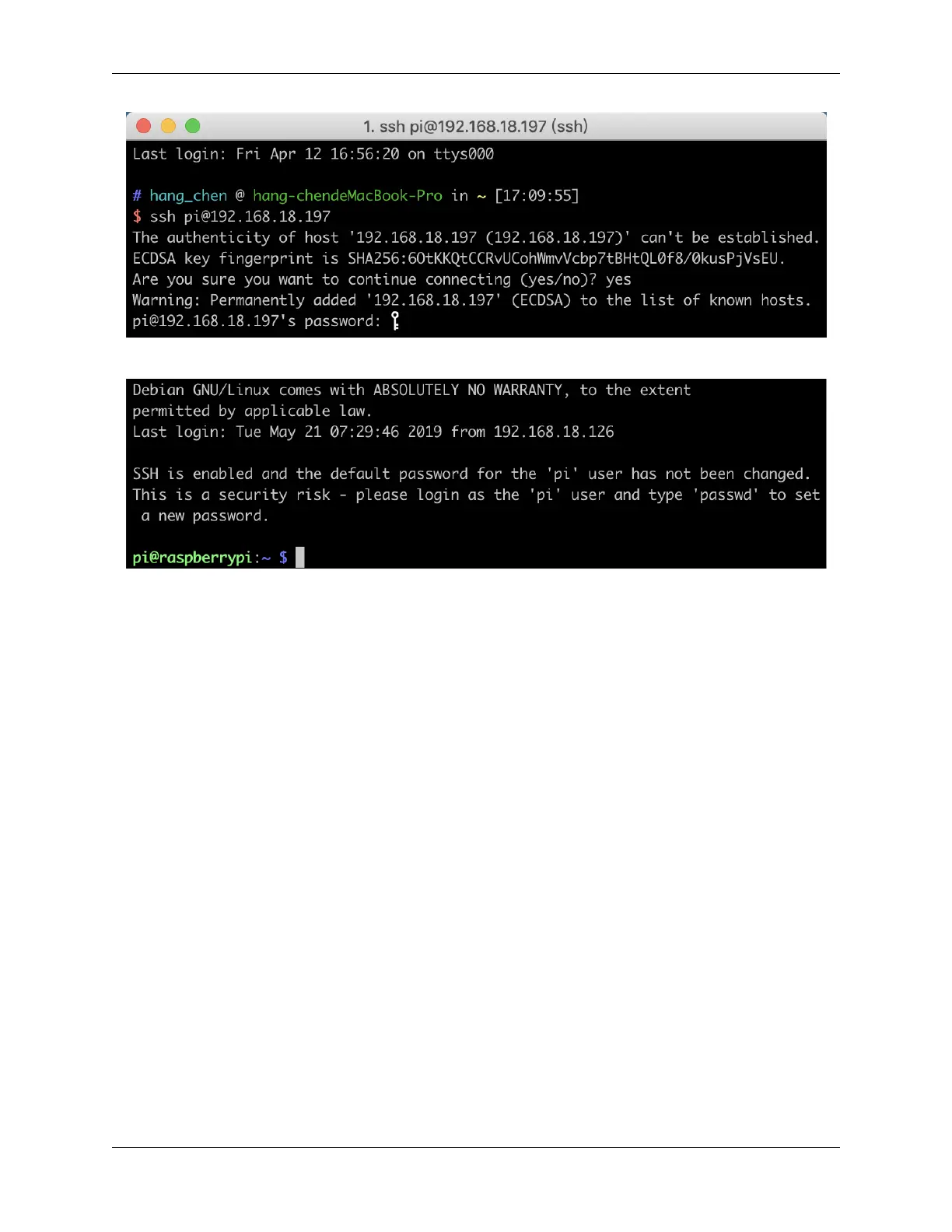
We now get the Raspberry Pi connected and are ready to go to the next step.
For Windows Users
Windows users can use SSH with the PuTTY application.
Download PuTTY, open the application, and click Session on the left of the tree-like structure. Enter the IP address of
the Raspberry Pi in the text box under Host Name, and enter 22 under Port.
222 Chapter 6. APPENDIX



 To Next Page