TS7-Pro 7-inch Touch Screen
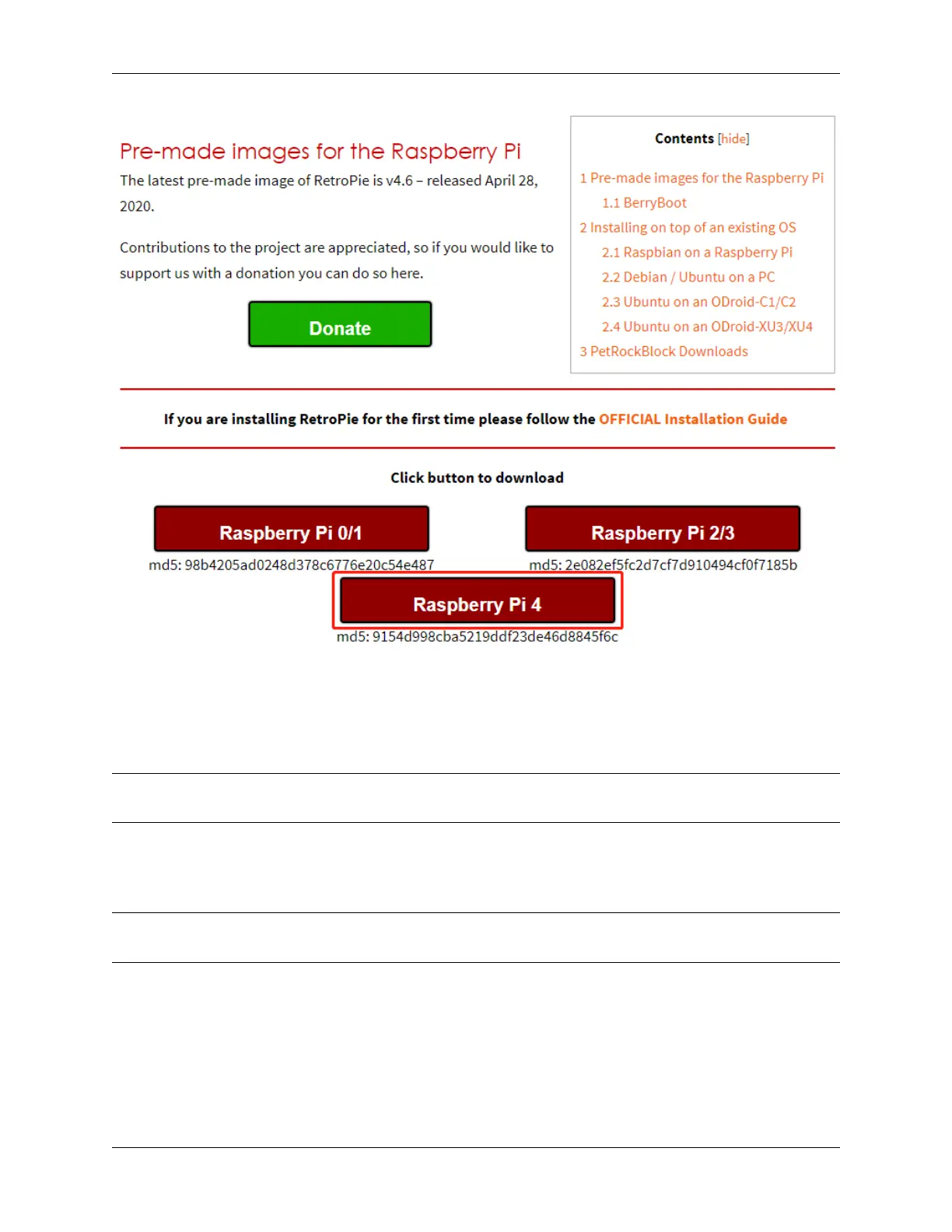
Step 2: After the download is complete, unzip the downloaded package containing the image file.
Step 3: Then flash the RetroPie image into the micro-SD card.
• For Windows, use: Raspberry Pi Imager, Etcher, or Win32DiskImager.
Note: Win32DiskImager requires an .img file extracted from the .img.gz image downloaded in step 2. You can use a
program like 7zip to do this.
• For macOS, use: Raspberry Pi Imager, Etcher, Apple Pi Baker, or the dd command.
• For Linux, use: Raspberry Pi Imager, Etcher, or the dd command
Note: MacOS/Linux users can optionally extract the .img image from the downloaded .img.gz by using gunzip
(macOS users can also simply double-click it).
5.2. Retro Games Console 65



 To Next Page