TS7-Pro 7-inch Touch Screen
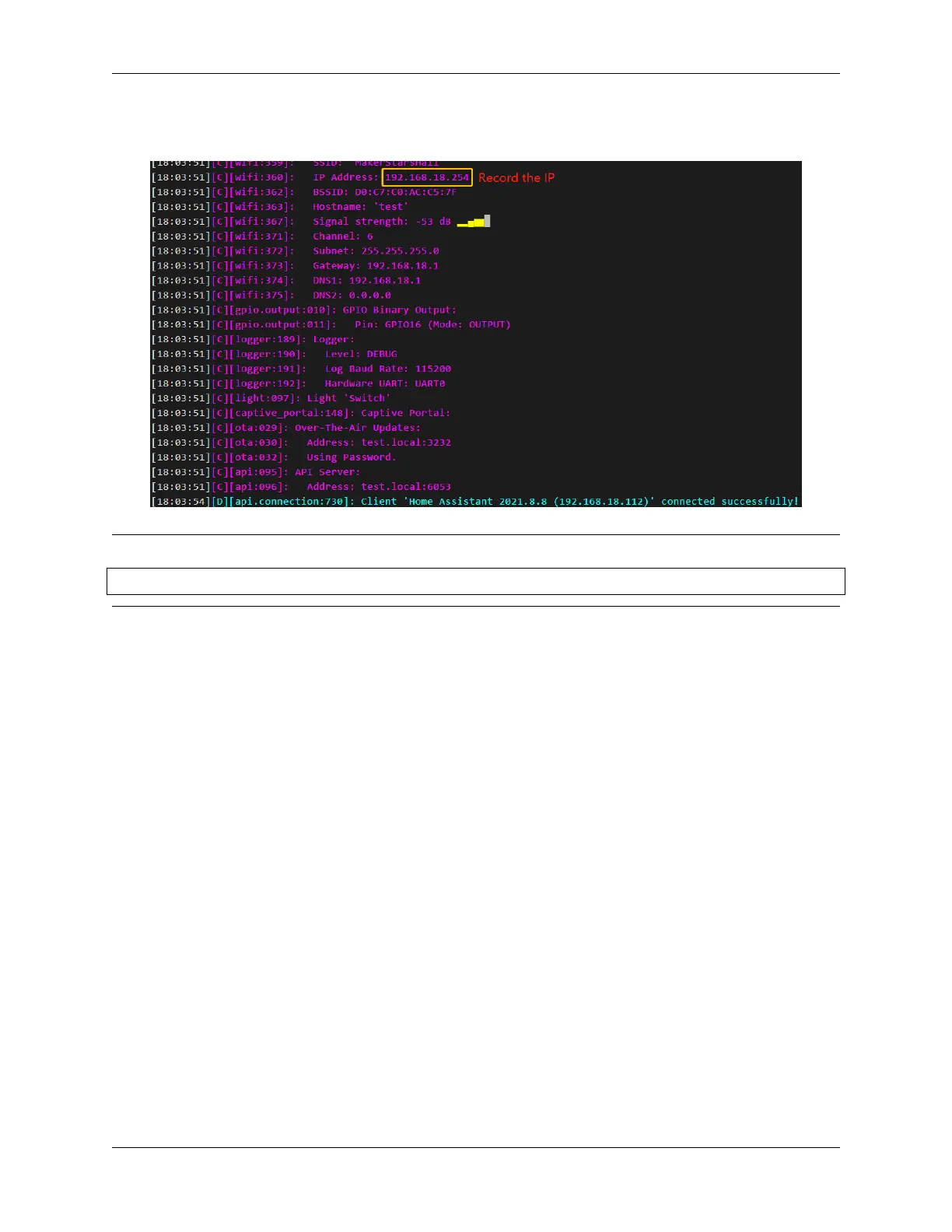
After successful installation, if you connect an LED to GPIO16 in ESP32 board, you will see the LED is lit. Also
please record this IP, you will need to fill in this IP when you add ESPHome to Home Assistant.
Note: If there is no response when clicking INSTALL, please clear the browser cache and INSTALL again.
sudo rm -rf ~/.cache/chromium
ESPHome configuration is complete and you can now add it to Home Assistant.
5.4.3 Log In
1. Please set up a username and password for your Home Assistant.
5.4. Home Assistant 87



 To Next Page