34
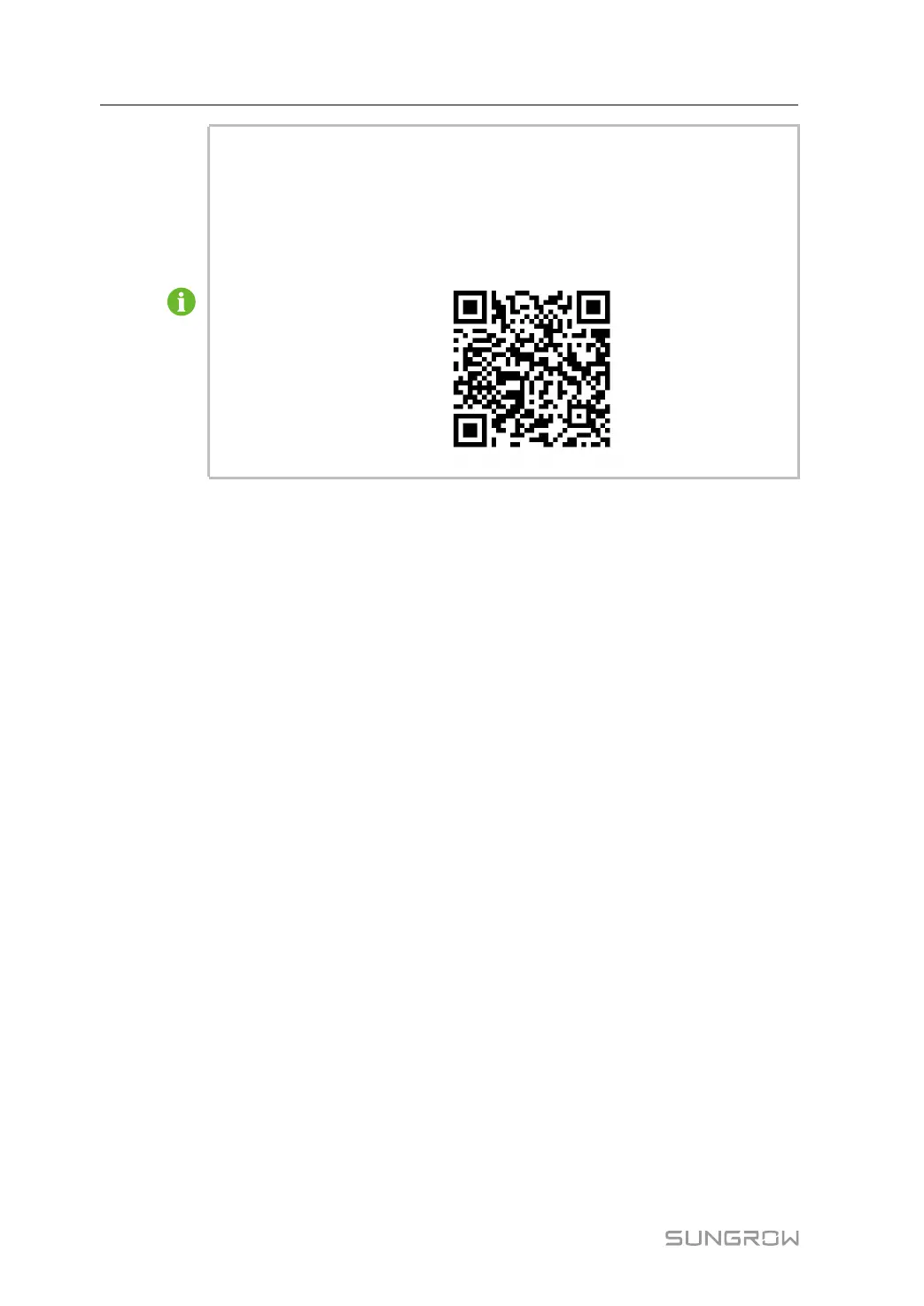
Use the iSolarCloud App to create a new plant. Users can directly scan the QR
code on the front label of the Logger1000 or manually input the S/N to add com-
munication equipment. For details, refer to the Quick Guidance of iSolarCloud
App. Scan the bottom QR Code to view or obtain the Quick Guidance of iSolar-
Cloud App.
6 Commissioning User Manual



 To Next Page