29
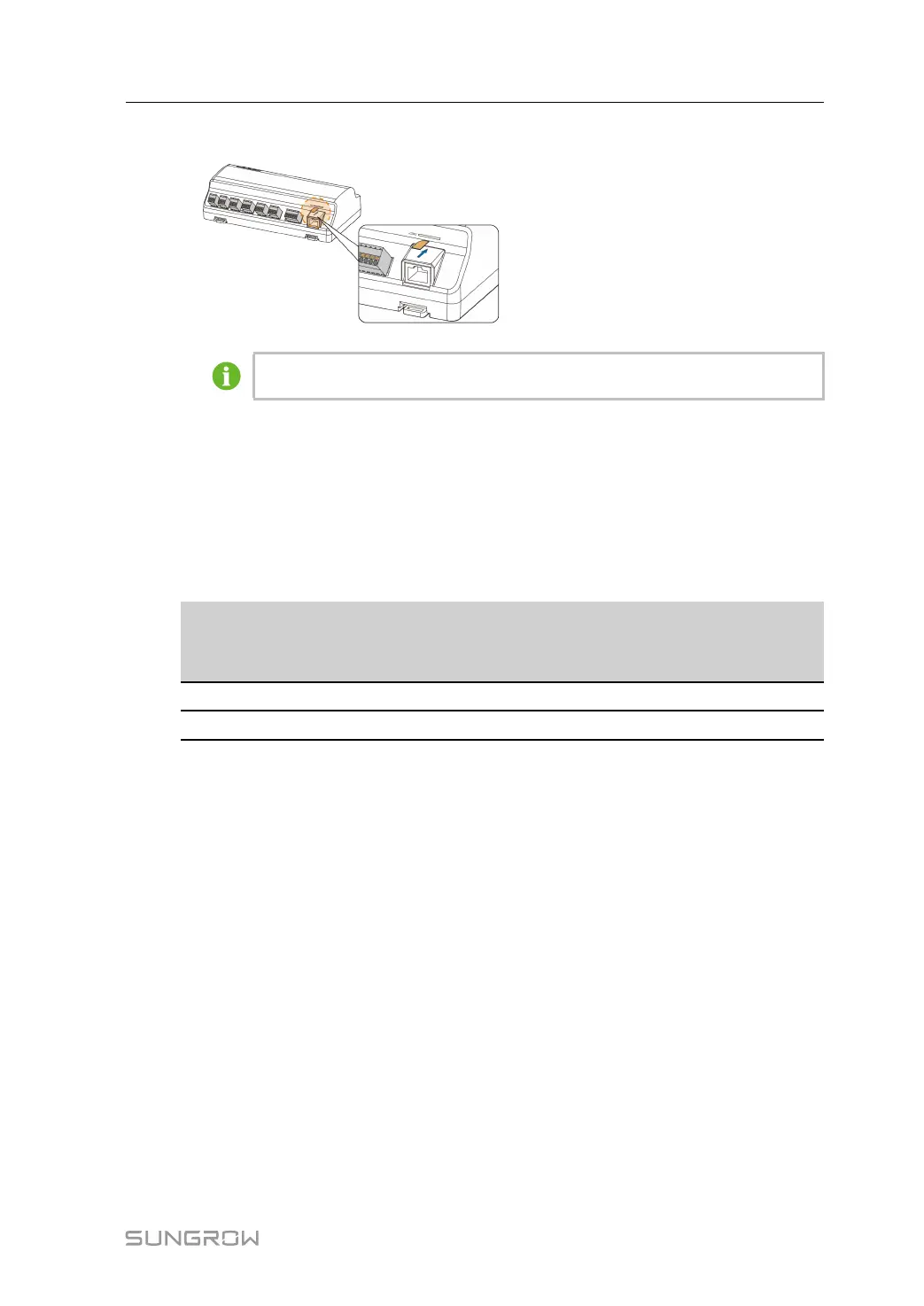
• Insert a Micro-SIM card into the SIM card slot.
The Micro-SIM card supports hot-plugging.
5.6 Connection to Power Box
The Logger1000 supports DC24V power supply. Prepare two-core DC cable, three-core AC
cable, and grounding cable before wiring. Power cable specifications are shown in the table
below.
table 5-3 Power cable specification
Cable
Recommended
cross-section
Length of cable
jacket to be
stripped off
Length of insula-
tion to be stripped
off
DC cable, AC cable
1mm
2
~1.5mm
2
15mm 8mm~10mm
Grounding cable
1mm
2
~1.5mm
2
8mm~10mm
-
Power cable wiring steps are as follows:
User Manual 5 Electrical Connection



 To Next Page