20
Setting Parameters for HEART RATE CONTROL
Select one of the “Heart Rate Control Programs” using the UP or DOWN button, then press
ENTER. The first parameter “TIME” will flash so the value can be adjusted usingthe UP or DOWN
button. Press the ENTER button to save the value and move to next parameter to be adjusted.
Note: If the user sets up the target time to workout, then the next parameter of Distance
cannot be adjusted.
Continue through all desired parameters, pressing the START/STOP button to start workout.
Note: If Pulse is above or below (± 5) the TARGET H.R., the computer will adjust the
resistance load automatically. It will check every 20 seconds approx. 1 resistance load will
increase or decrease (Note: each resistance load represents 2 levels of loading).
If one of workout parameters counts down to be zero, it will beep and stop the workout
automatically. Press START/STOP button to continue the workout to reach unfinished
workout parameter.
User Program
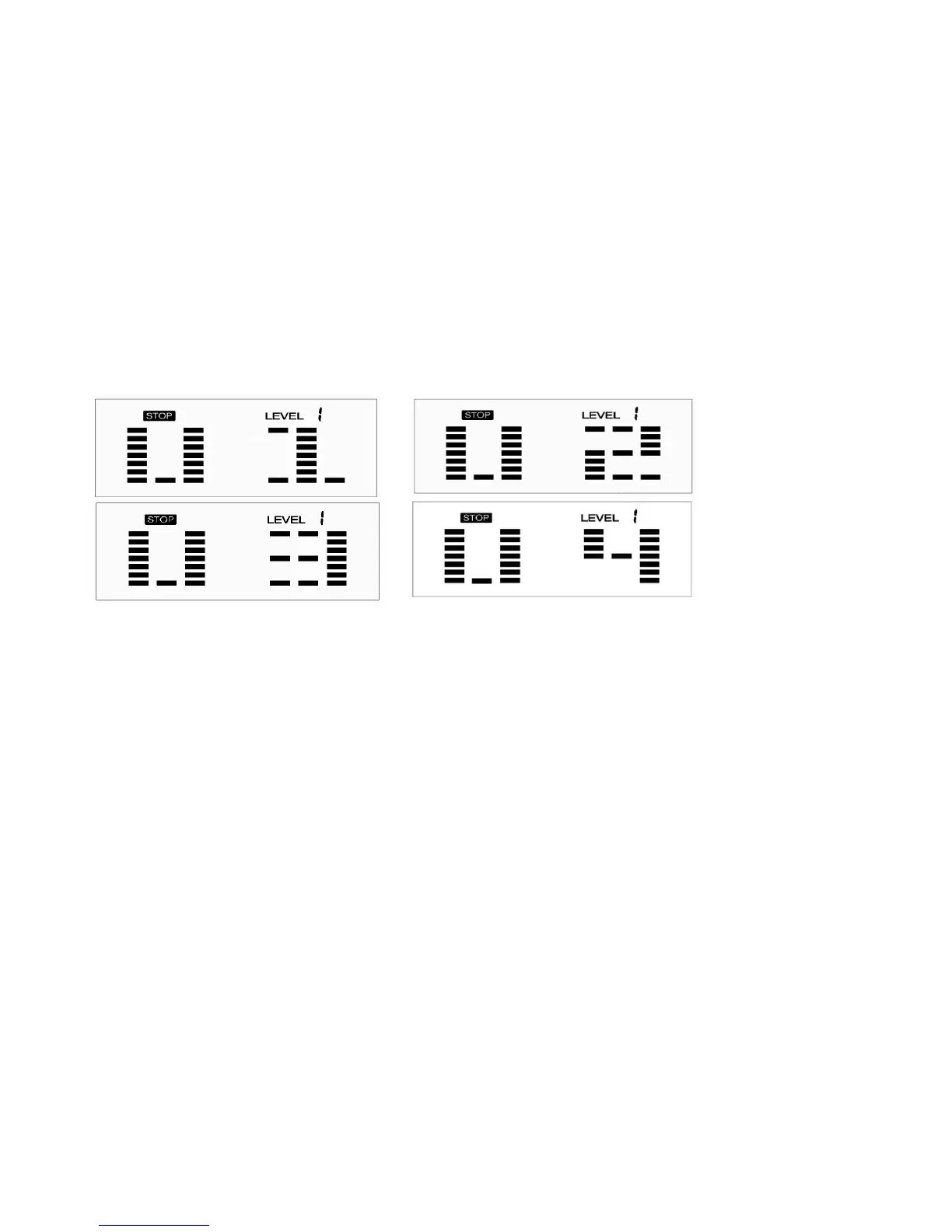
Program profile (P21-P24)
The 4 user programs allow user to set their own program that can be used immediately.
Setting Parameters for User Program
Select the user program using the UP or DOWN button then press ENTER. The first parameter
“TIME” will flash so the value can be adjusted using the UP or DOWN button. Press the ENTER
button to save the value and move to next parameter to be adjusted.
Note: If the user sets up the target time to workout, then the next parameter of Distance
cannotbe adjusted.
Continue through all desired parameters.
After finishing setting up the desired parameters, level 1 will flash. Use the UP or DOWN button to
adjust, then press the ENTER button until finished (There are 10 times total). Press the
START/STOP button to begin the workout.
Note: Once the workout parameter counts down to be zero, it will beep and stop the
workout automatically. Press the START/STOP button to continue the workout to reach the
unfinished workout parameter.


 To Next Page