11
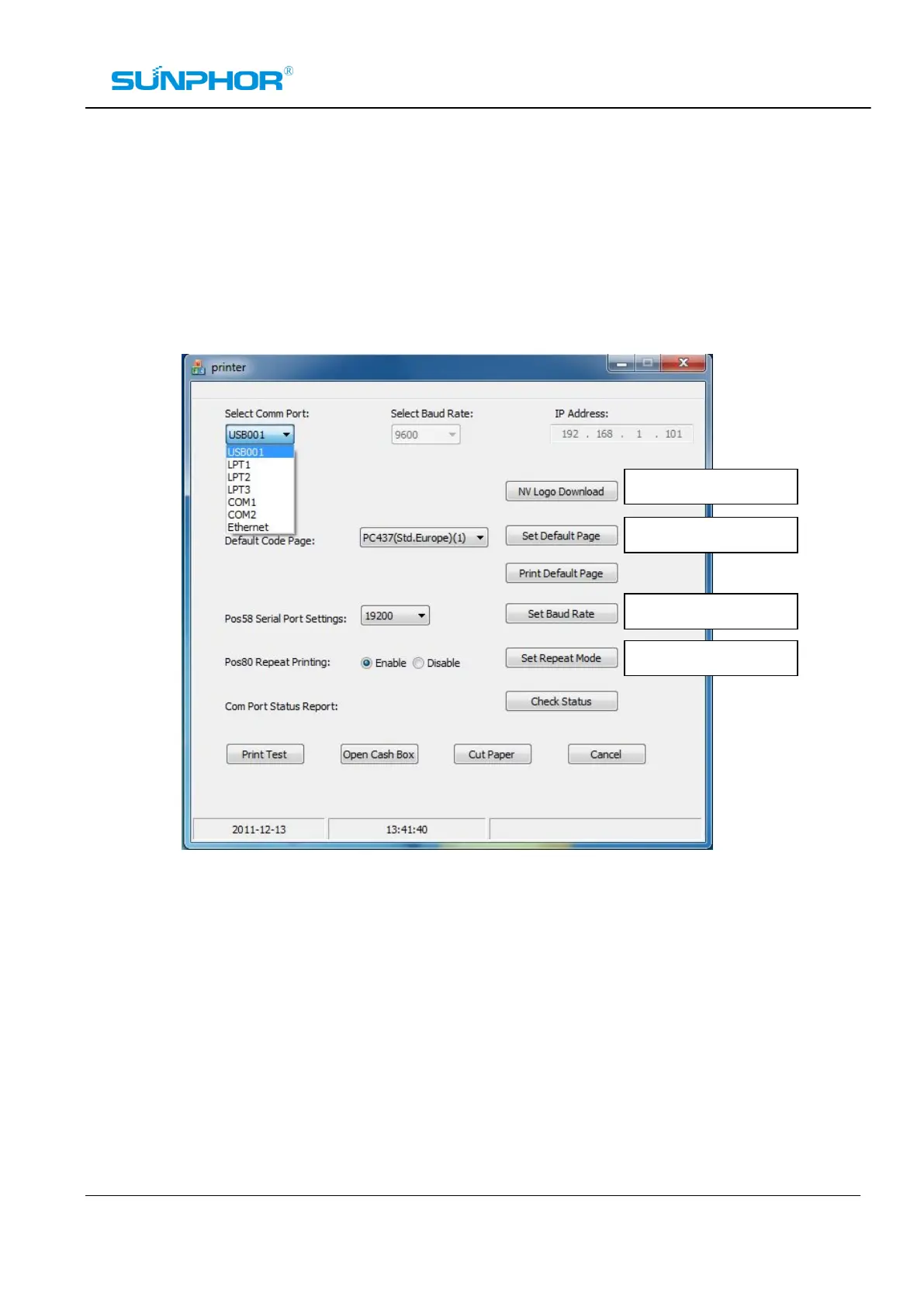
Find the program on the attachment CD-ROM, open the main configuration panel by double-clicking it.
Make sure the correct “COMM Port” has been selected, (Please make sure the selected port hasn’t
occupied by other program or device) and have set the correct Baud rate for the COM port, or the
correct IP Address for the Ethernet Port. you can check if the setting is correct by running “Print Test”. See
the picture as below:



 To Next Page