SIM7090G EVB Kit User Guide V1.00
www.simcom.com
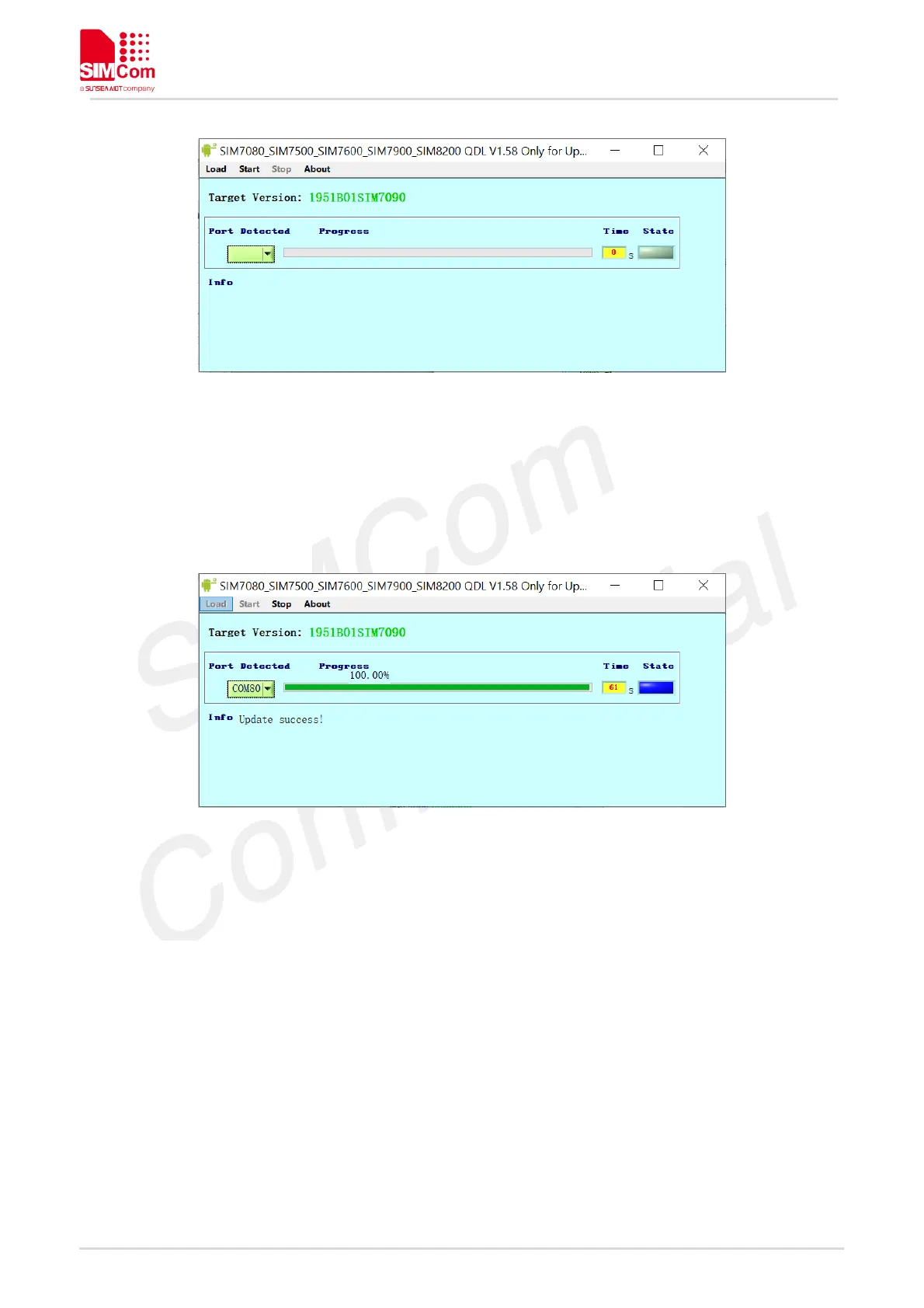
Figure 12: Start the update
After FW update finished, QDL shows updating succeed like on the following figure.
Figure 13: Update Success will be appear.
Note: Before running QDL tool, please install QPST tool first.
Attention:
1) During upgrade procedure, please do not power down module or unplug USB port to avoid damaging
module .
2) Any update failure, please send back the dut1.log to SIMCom for analyzing.
3) Firmware path must be ASCII string.
Error code description:
1) Download failed! Partition diff!------you need change BacupRestorQcn = True in cfg.ini ,and put correct
QMBN file into the firmware path(please contact SIMCom FAE for QMBN file).
2) Unable to download Flash Programmer using Sahara Protocol------Please re-power No1
DUT. If re-power modular still display this message, you can try re-install the VC run timer library in tools



 To Next Page