Brightness:
Operation: Reading / Short press M key / Select number / Short
press M key to confirm.
Zoom in/Zoom out
Reading: Press the key to adjust font size, press arrow keys
to adjust and read.
6. Music
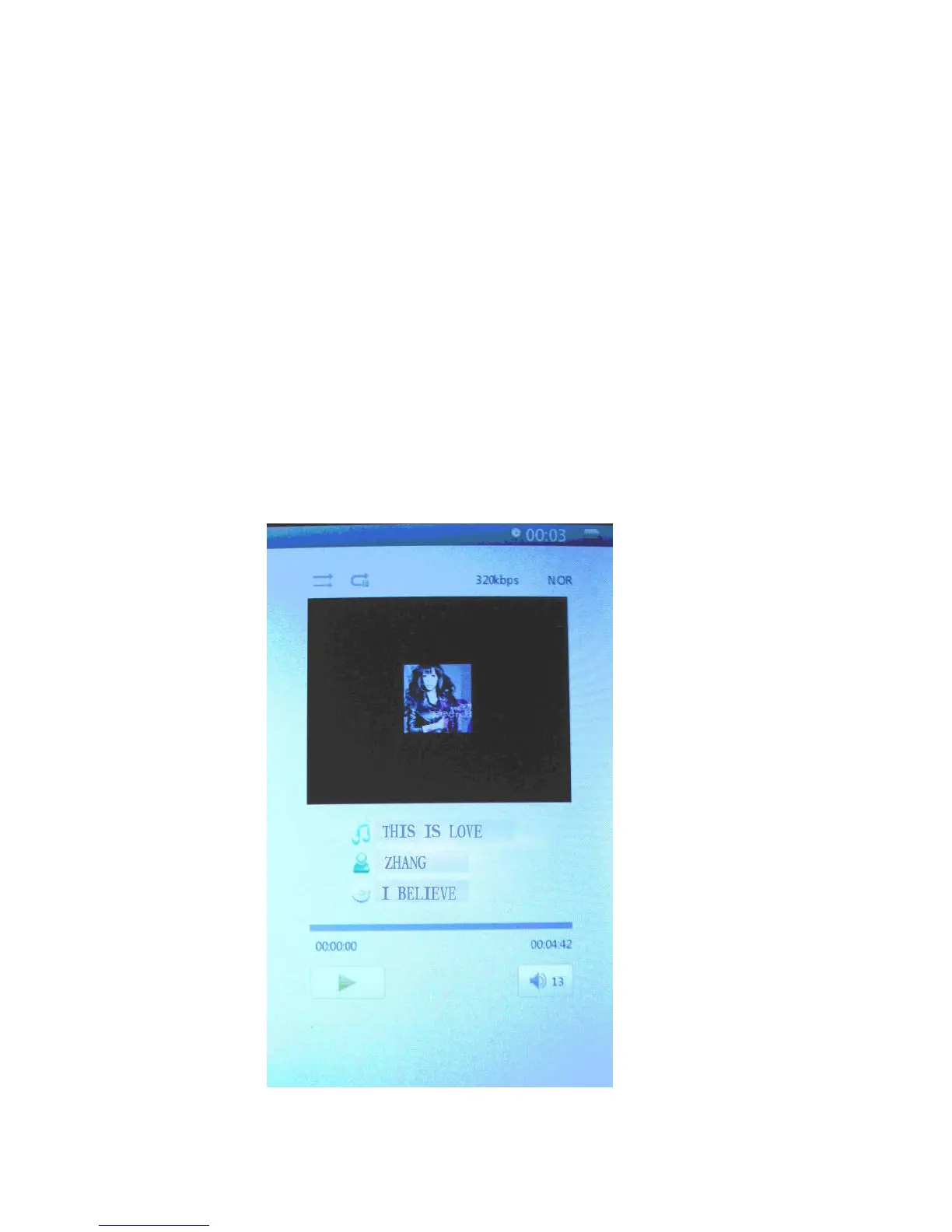
Press up and down cursor keys to select files. Press M key
to enter and play; press left or right cursor key briefly for
browse previous or next file, long press to fast-forward or
rewind. Press up and down arrow keys to increase or
decrease the volume. Press M key briefly
when playing video, menu will pop up for settings.
10



 To Next Page