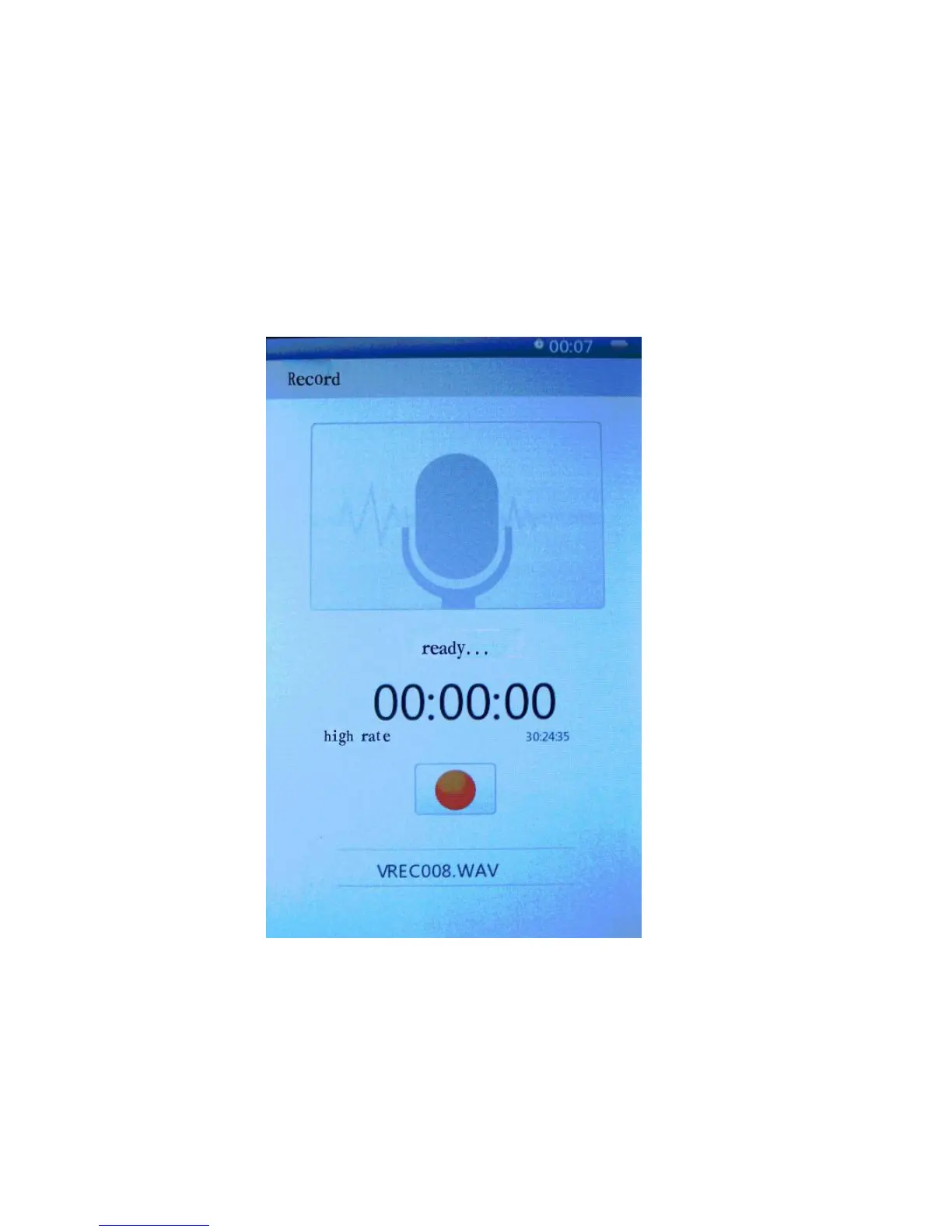
9. Record
In the recording preparation interface, press M key briefly to get
the recording quality and volume settings menu.
Press M key to enter and press play/pause to start recording, play/pause
key to recording pause; press back key to "save
record file", press left and right cursor keys to select and the
M key to confirm.
12



 To Next Page