10
Language Choosing different languages
Power off
Setting a count down time in minutes, the
player will shut off when time out.
Online mode
Multiply driver
Normal only
Encrypted only
Card only
Memory info
Show memory capacity and used
percentage
Firmware Version Version of player’s firmware
Firmware upgrade Use for upgrade firmware
Exit Exit from Setting interface
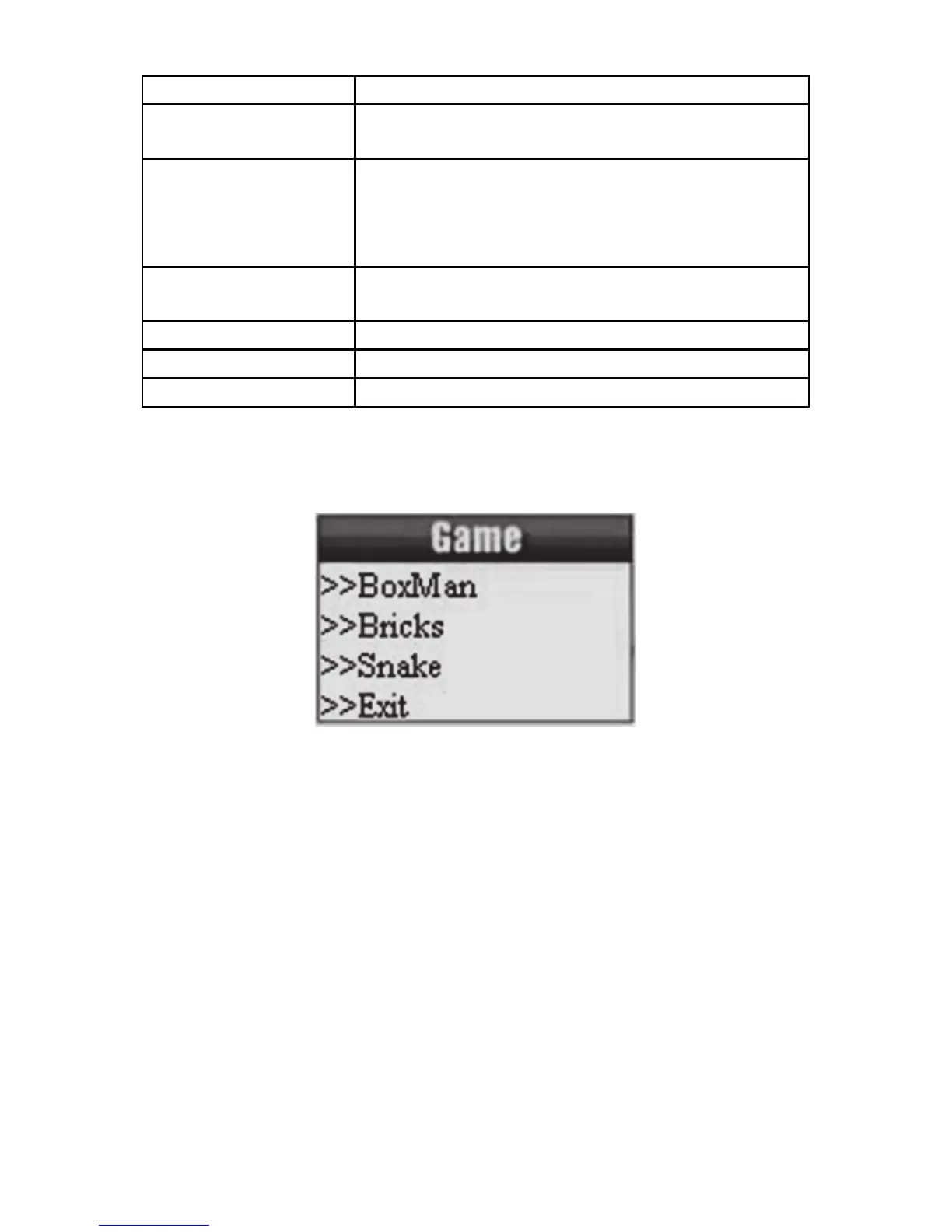
9. Game
Enter main menu.
10. Using USB Disk
The player is also a standard USB disk. Supported by Windows /
Mac/XP.
The player supports USB power supply, can be used without using
the battery when connected to a PC. To enter, when in’ waiting
mode’ press MODE return to main menu and choose the operation
you need.
When connected to PC, The player works on the three modes
below:



 To Next Page