5
Basic Functions
● Volume Adjust
Press the VOL key to enter the volume selection, short press Next /
Last button to increase or decrease the volume.
● Switch on/off
Press and hold Play to switch on when the player is off.
Press and hold Play to switch off when the player is on.
● Play & Pause; exit from submenu
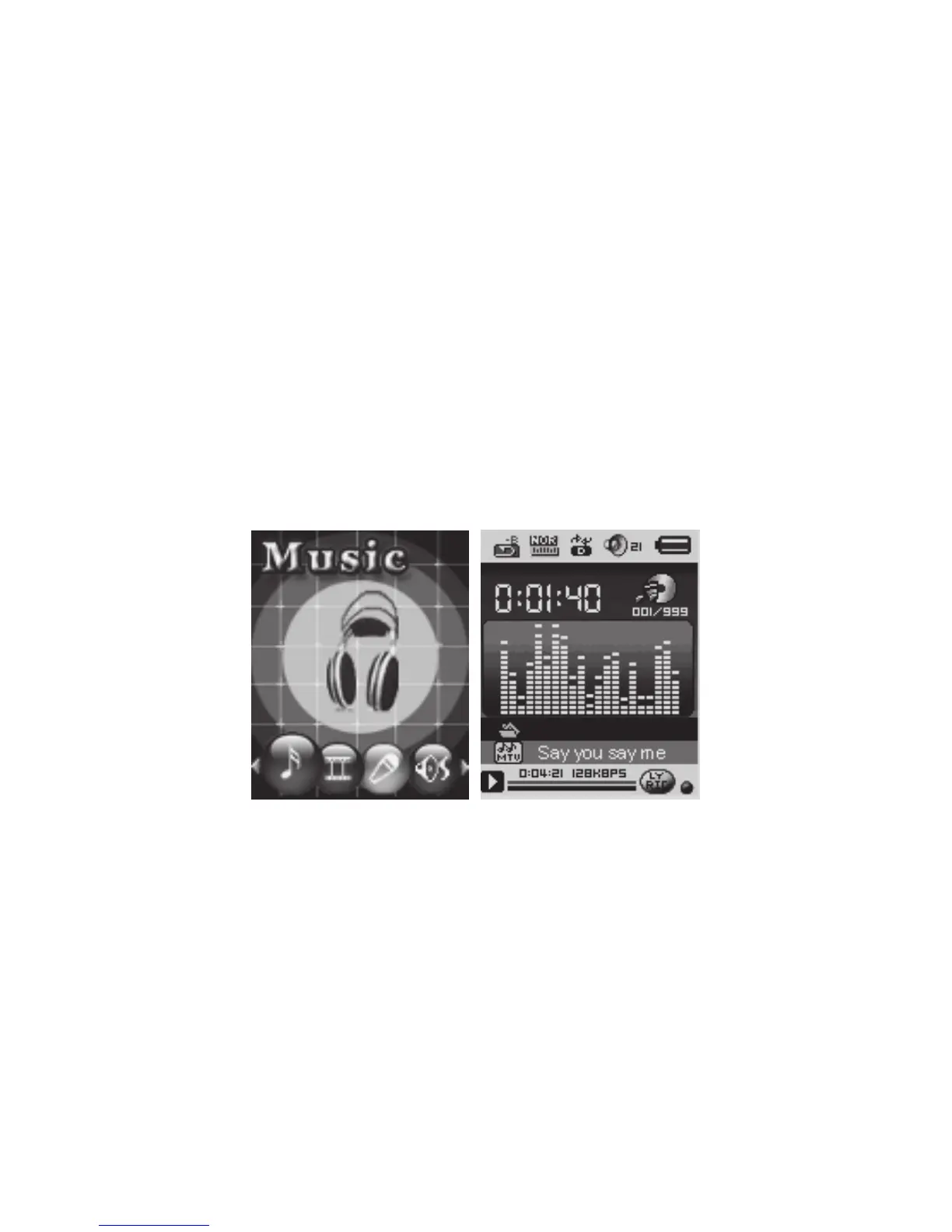
On music mode, Press Play to play music.
When playing music, press Play to pause; press and hold to stop
playing.
1. Play music
● Simple actions
1. Enter Music Mode and press PLAY to play music.
2. Select a Track: LAST: Previous Track;
NEXT: Next Track.
● Equalizer Mode
1. When playing music, Press MODE to enter in the submenu.
2. Push NEXT choosing Equalizer Mode;
3. Press MODE to enter ‘Equalizer Mode’ submenu.
4. Detail of each equalizer (EQ):
Natural, Rock, Pop, Classic, Soft, Jazz, DBB
5. Push NEXT to select an EQ and press MODE to confirm.



 To Next Page