11
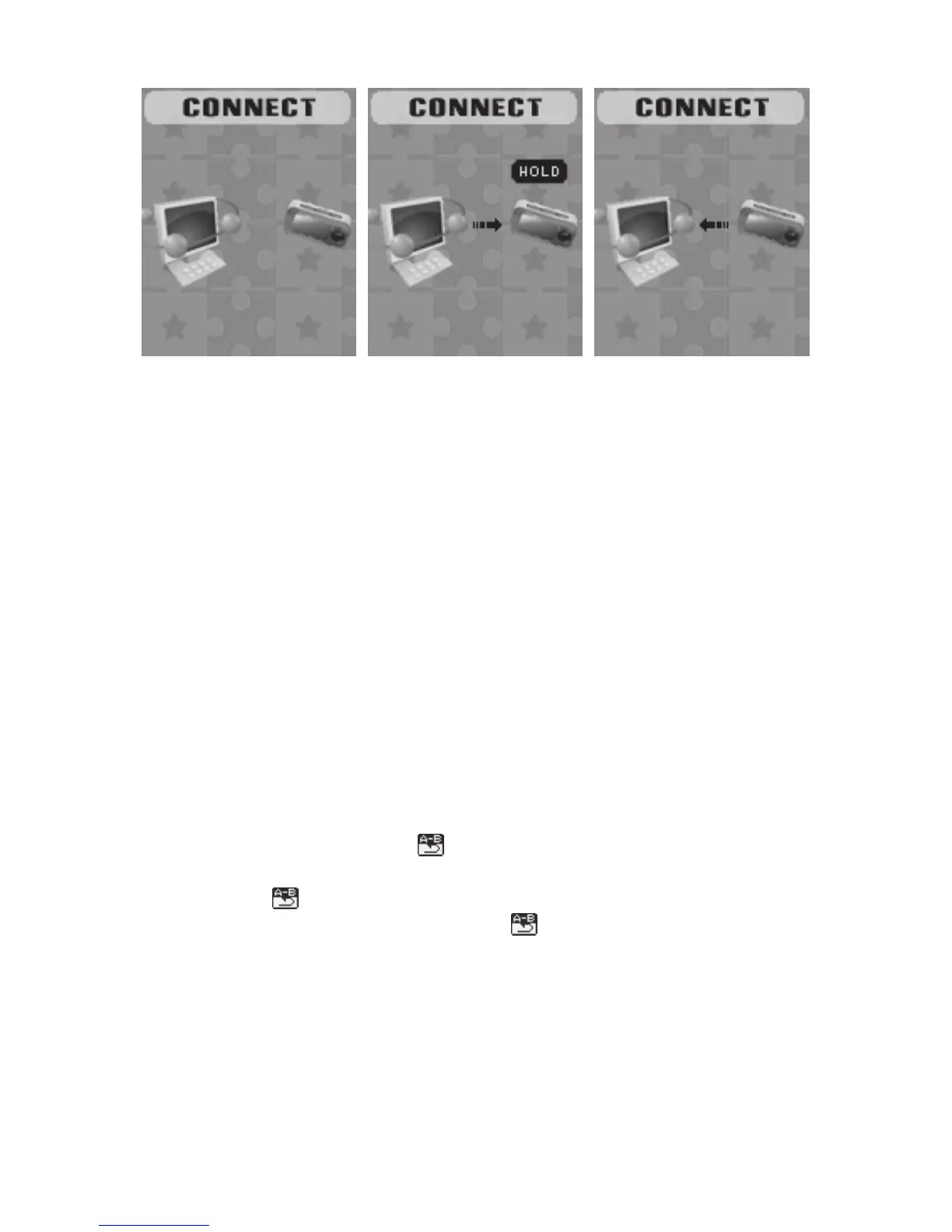
1. Waiting 2. Downloading 3. Uploading
11. Other Settings
● Play mode (Play submenu)
You can choose different play mode ( repeat, shuffle) when playing
music or recorded files.
The first option on Play submenu is ‘Play mode’.
○ REPEAT: Normal, Repeat One, Folder, Repeat Folder, Repeat All,
Random, Intro.
● Replay mode (Play submenu)
Enter from Play submenu:
○ A-B Repeat
1. When play music or recorder.
2. Push MODE to entry play submenu.
3. Push NEXT scrolling into ‘Repeat Mode’ option.
4. Push MODE to enter:
Repeat Mode: ‘A’ of Symbol
flashes, waiting for starter A
5. Push NEXT to select ‘A’:
‘B’ of symbol
flashes, waiting ender B.
6. Push NEXT to select B. Symbol
fixed and starting repeat
between A-B, while playing, you can push LAST to reset A point.
● Replay times (Play submenu)
Please consult into ‘Replay mode’.
Replay time determines the times of play A-B repeat until exit.



 To Next Page