7
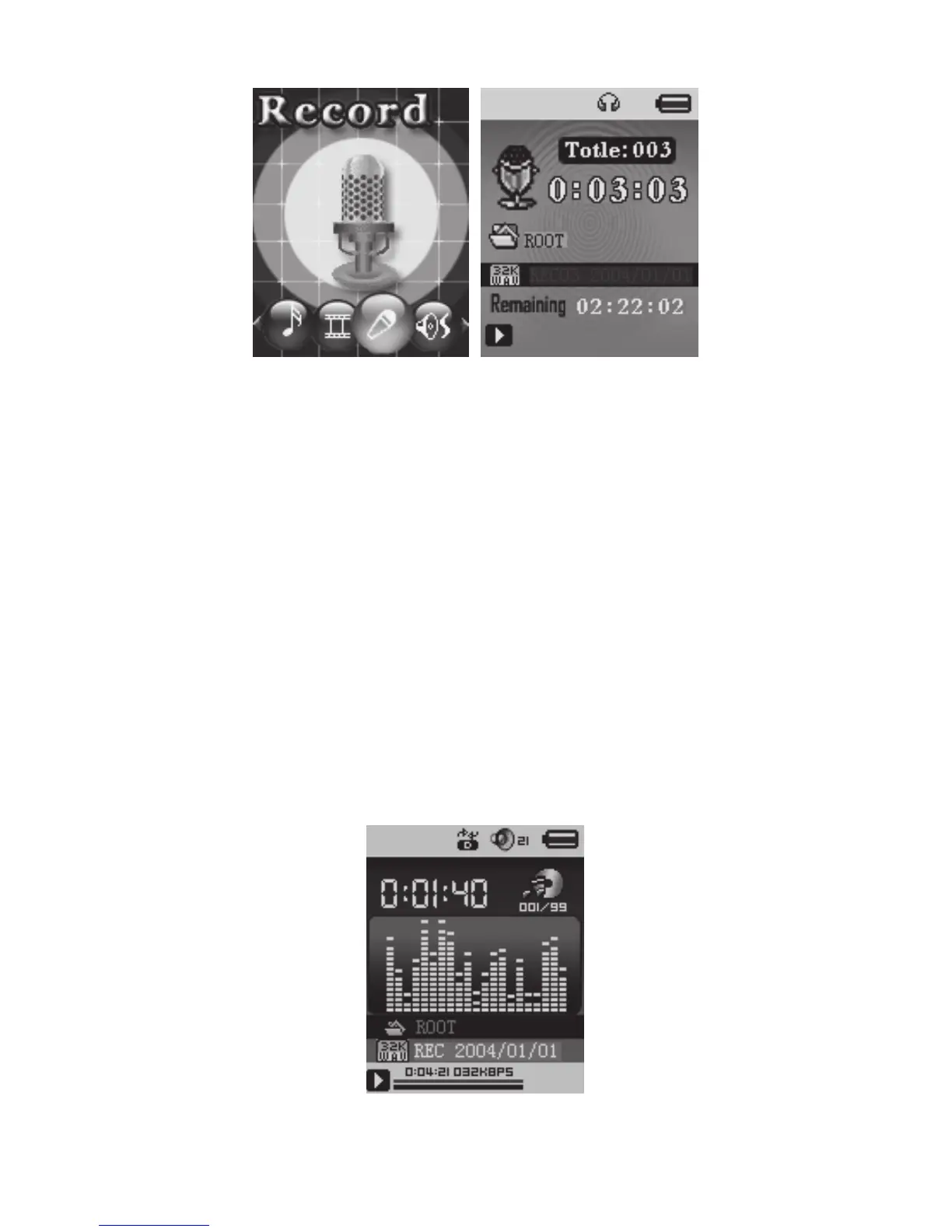
4. Press PLAY to start / pause recording.
5. Press MODE for a few seconds to save the recording.
● Select Record Type
1. Press MODE to enter record submenu.
2. Push NEXT scrolling into ‘REC type’ submenu then presses MODE
to select it.
3. Press NEXT to choose the appropriate type and press MODE to
select it.
4. . Press PLAY to start recording.
4. Voice
1. Enter main menu
2. Push NEXT to choose ‘Play mode’
3. Push MODE to enter playing interface
4. Press PLAY again to play the file.



 To Next Page