15
8. Contacts
• Open the menu of applications>contacts
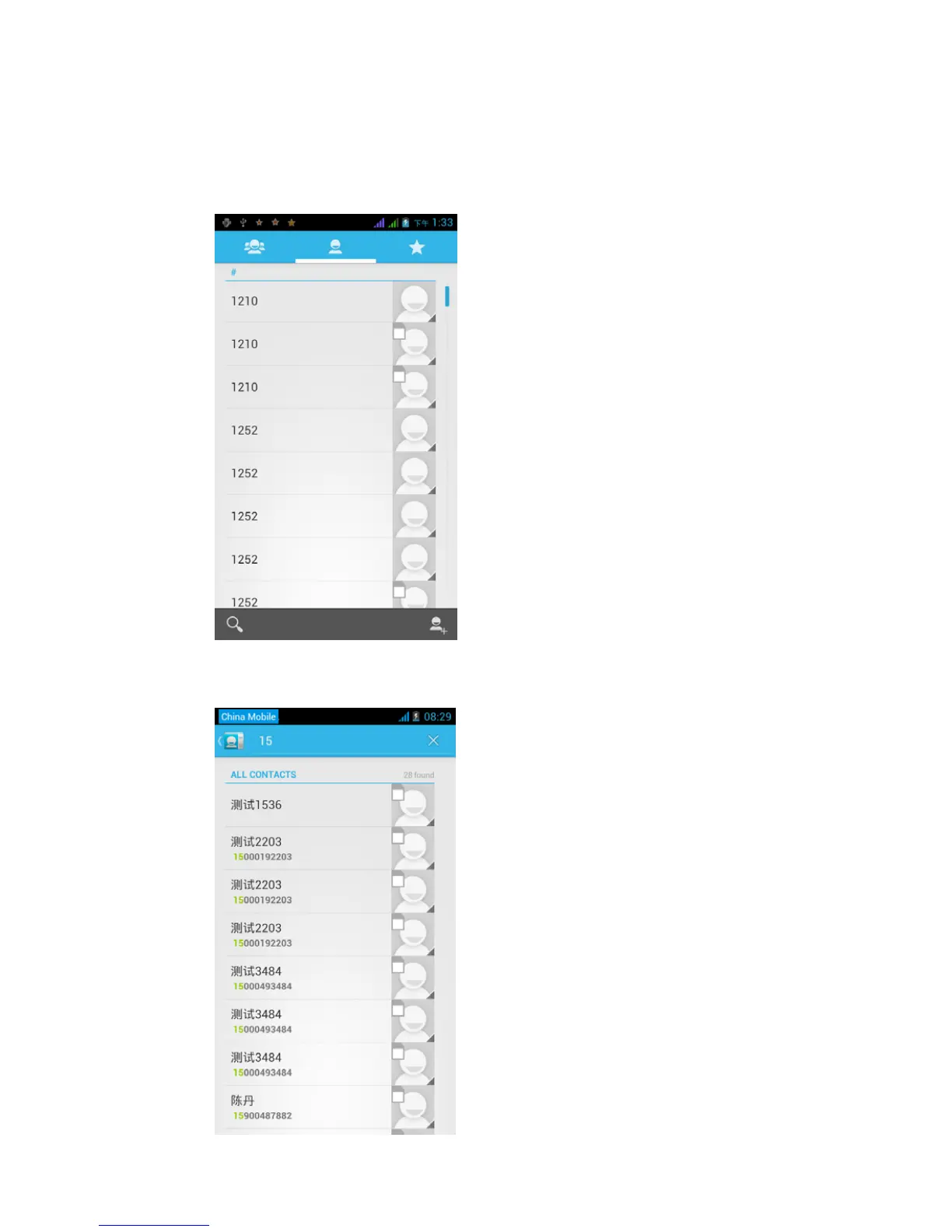
Default display phone contacts and SIM card contacts, sort contacts
by the first letter of the alphabet.
2)Click Search Icons,You can enter the contact search interface.
a.To enter the Numbers or letters and the list of names of the
phonebook, which will be shown in the search results.



 To Next Page