27
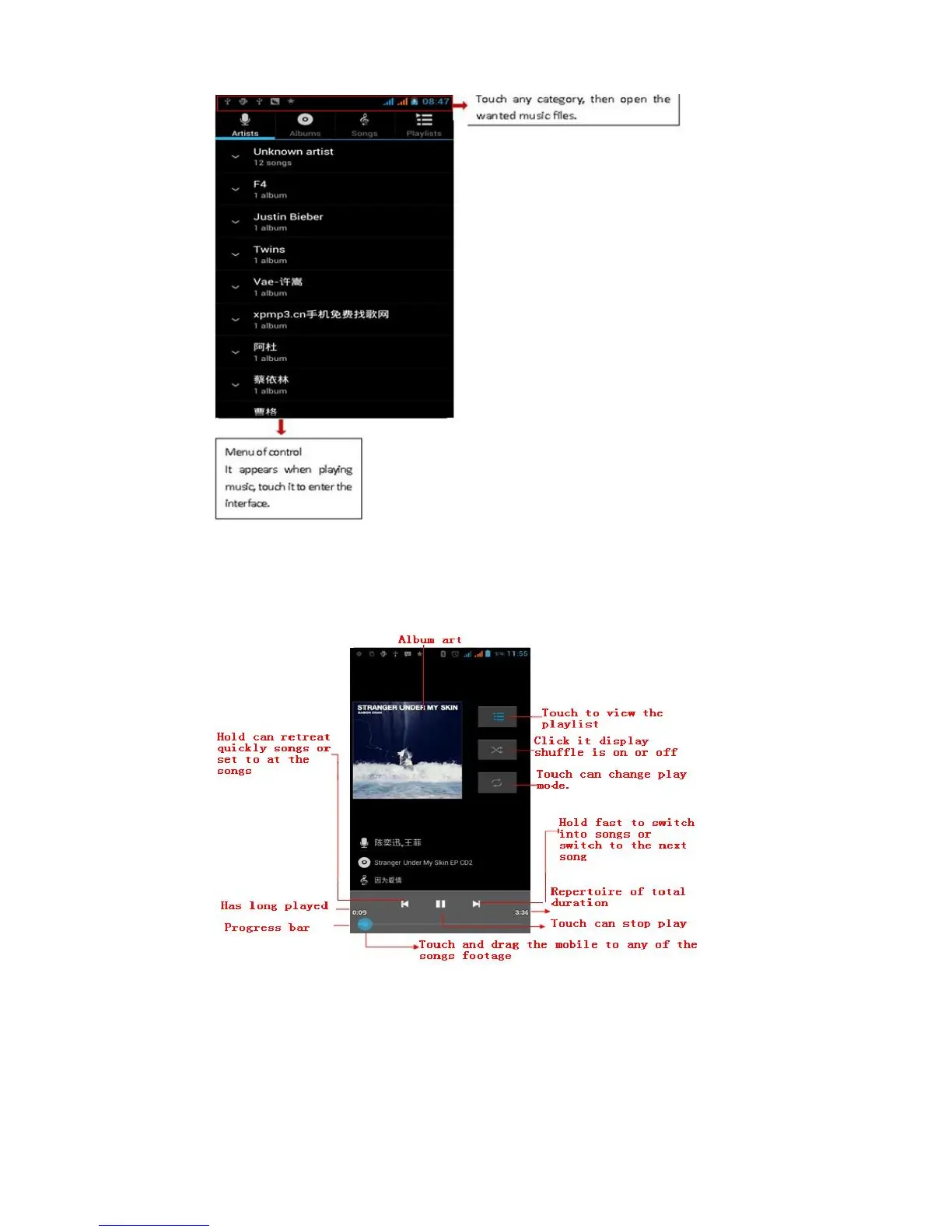
• Tips: You can play all of the songs in the interface of music
media, in random sequence . Press Menu, and then touch the
Party Shuffle. Then will start playing the first song randomly
selected . To close the Party Shuffle, press Menu, then touch to turn
off the Party Shuffle.
16. Calendar
Enter in the app calendar.
Load Googles accounts, enter the application, In the interface of
month or week , your will use gray to highlight the day. Display
default the date on the current month.
In the interface,press menu,4 display modes will appear:



 To Next Page