28
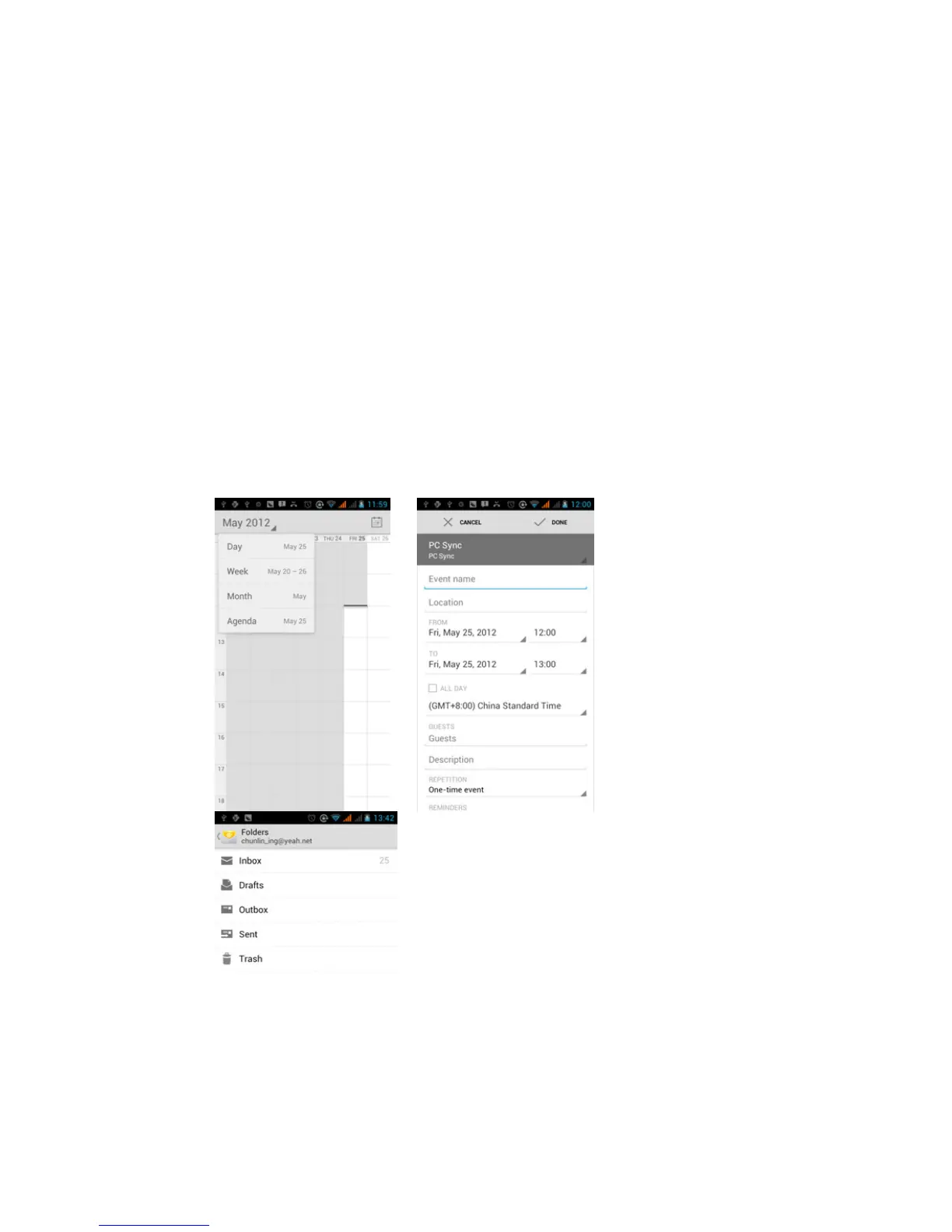
1) Schedule Interface shows a certain schedule(click on the initial
time and view forward,click the final time to view backwards )
2) Day Interface displays a day's schedule (last clicked date),
slide around to turn page according day.
3) Week Interface displays a week's schedule (last clicked
date), slide around to turn page according week.
4) Today Interface displays a day's schedule , In the interface of
month or week use gray to highlight the day.
5) Month interface displays a month's schedule (last clicked date)
Slide around to turn page according month.
• New activities
1) Press menu, more < touch new activities.
2) Enter the name of activity in the activities’ box.
Notices
:
Such as special occasions such as birthday or a day with
events, set the all-day option to Yes. If the activity is at a certain time
period, select the start time and end time.
3)Enter the event location, description, guests, repeat, remind time.
4) Click finish to return to calendar.



 To Next Page