35
-Recovery mode uSUN200
How to enter in Recovery Mode.
Please, follow these steps.
1-To enter in the recovery mode first you should power off the
device,
Then first press the “ON-OFF” key for one second and then press
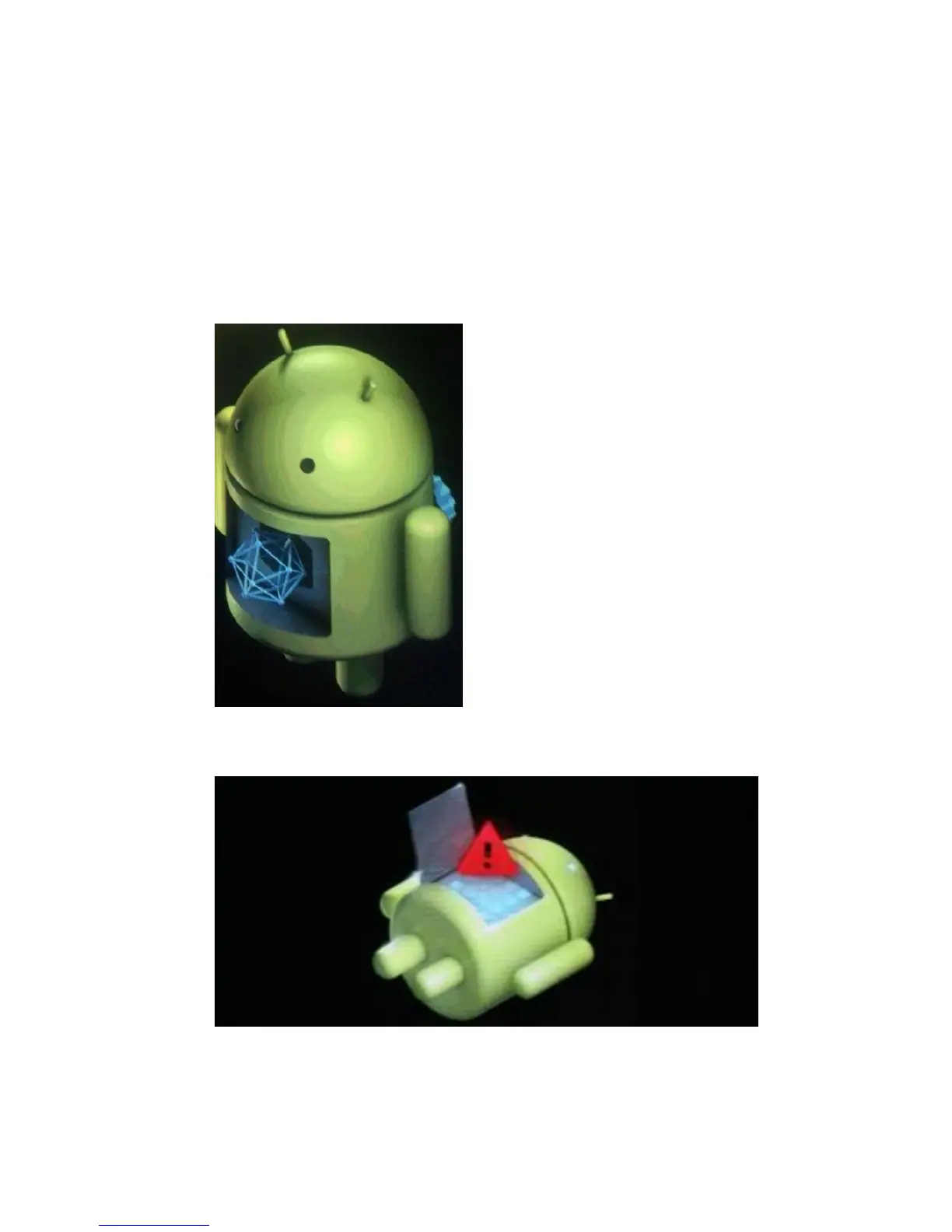
“VOL +” Key at the same time, until the appears the Android doll.
After appears another Android doll.
1-Push the “Power” and appears the Internal menu.



 To Next Page