92
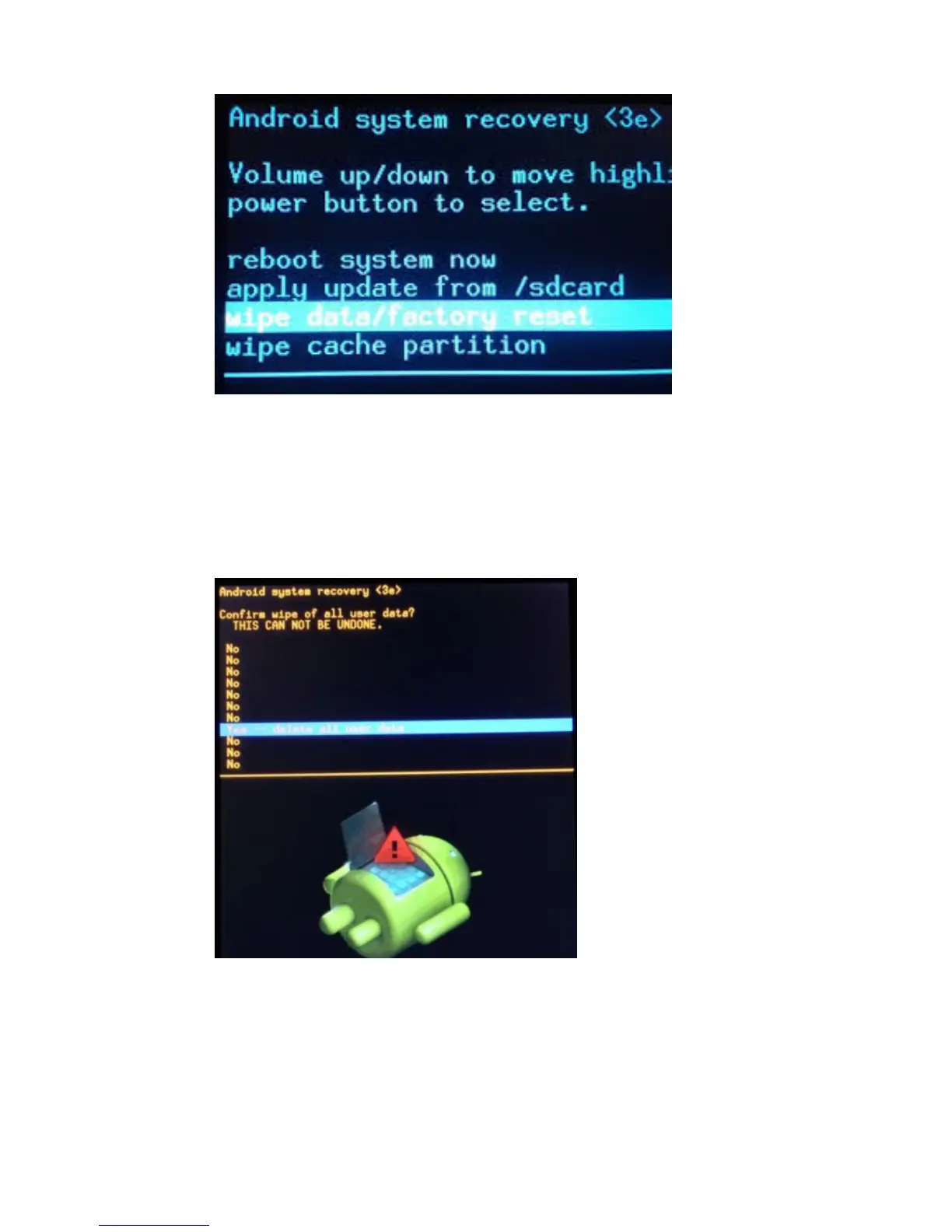
2-Pulse la tecla “VOL –“ y seleccione “wipe data / factory reset”
(borrar datos/configuración predeterminada de fábrica) y luego
presione “VOL +” .
3- Seleccione “ Yes delete all user data ” (Sí, borrar todos los datos
de usuario) con la tecla “Vol –“ y luego presione
“VOL +” para realizar la selección.
Apareció Android.
4- Cuando termine, seleccione “reboot system now” (reiniciar
sistema ahora) y presione el botón “VOL + " y la unidad se reiniciará.
(Este proceso puede tardar algunos minutos)



 To Next Page