3
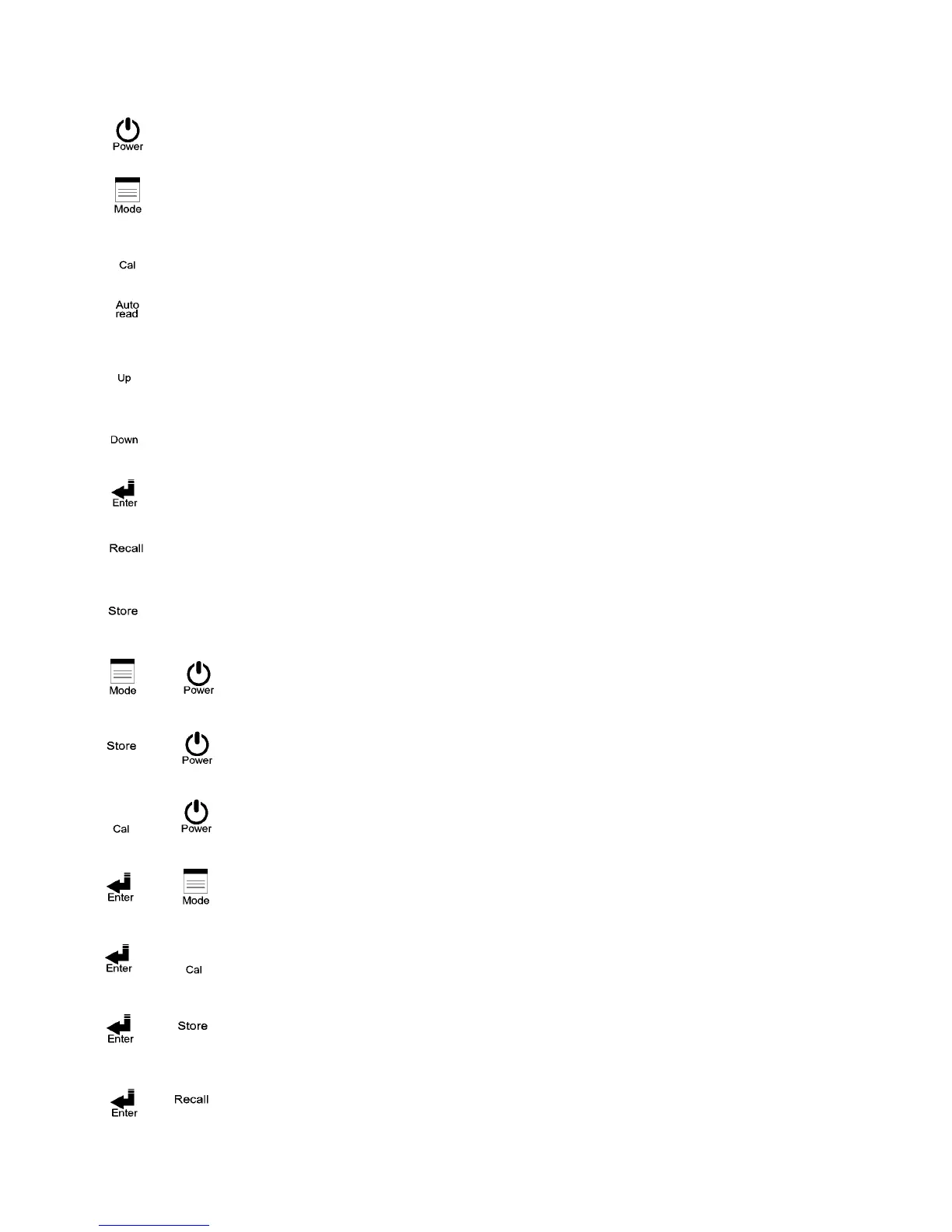
: Power switch. Push it to power on and push it again to power off. Auto shut-off
within10 minutes of no use
: Cond./Res./Salt/TDS measurement shift key; pushing it at any time will allow
backing to the measurement mode.
: Enter calibration mode.
: Key for auto read in measurement mode. Push one time for startup and push again for
cancellation.
: Upward or leftward key. For value adjustment, push it to increase the speed.
: Downward or rightward key. For value adjustment, push it to decrease the speed.
: (ENTER) Input, confirm, execute, and RS-232 manual output
: (Recall) Manual data read startup key and value read selection key.
: (Store) Manual data storage startup key
: Enter system parameter set-up, see 4.1
: Delete all stored data, see 4.2
: System reset, see 4.3
: Shift among the five manual modes and the auto mode. See 3.1
: Enter calibration parameter settings. See 4.4
: Enter auto continual storage settings. See 4.5
: Enter auto continual transmission settings. See 4.6
2.3 Keypad:
+
+
+
+
+
+
+


 To Next Page