the instructions for the home automation control before making these connections.
Warning
Make sure the wire connections are secure by gently tugging on them. Otherwise, arcing could occur, causing
dangerous overheating and a possible fire hazard. For added security, overwrap each wire nut connection with
electrical tape.
Finish Thermostat Installation
Ensure all connections are secure.
Carefully press the wires back into the electrical box. Do not use the control to push them.
Use the included screws to attach the thermostat base to the electrical box. Do not overtighten.
When re-attaching the display front, line up the top edge with the base, then rotate the bottom towards the base.
Ensure the pins are not bent when connecting.
Notice
Make sure the mortar has had time to fully cure before operating the system for more than a brief test.
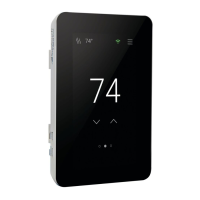
Touch Screen Operation
Touch the time, date or temperature to quickly access settings. Advanced settings are accessed by touching the
Setting button.
Menus



 To Next Page