10
www.supercircuits.com
SECTION 3: SETUP MENU USAGE
To access the SETUP menu:
1. Connect a video monitor to the video connector on the back of the camera.
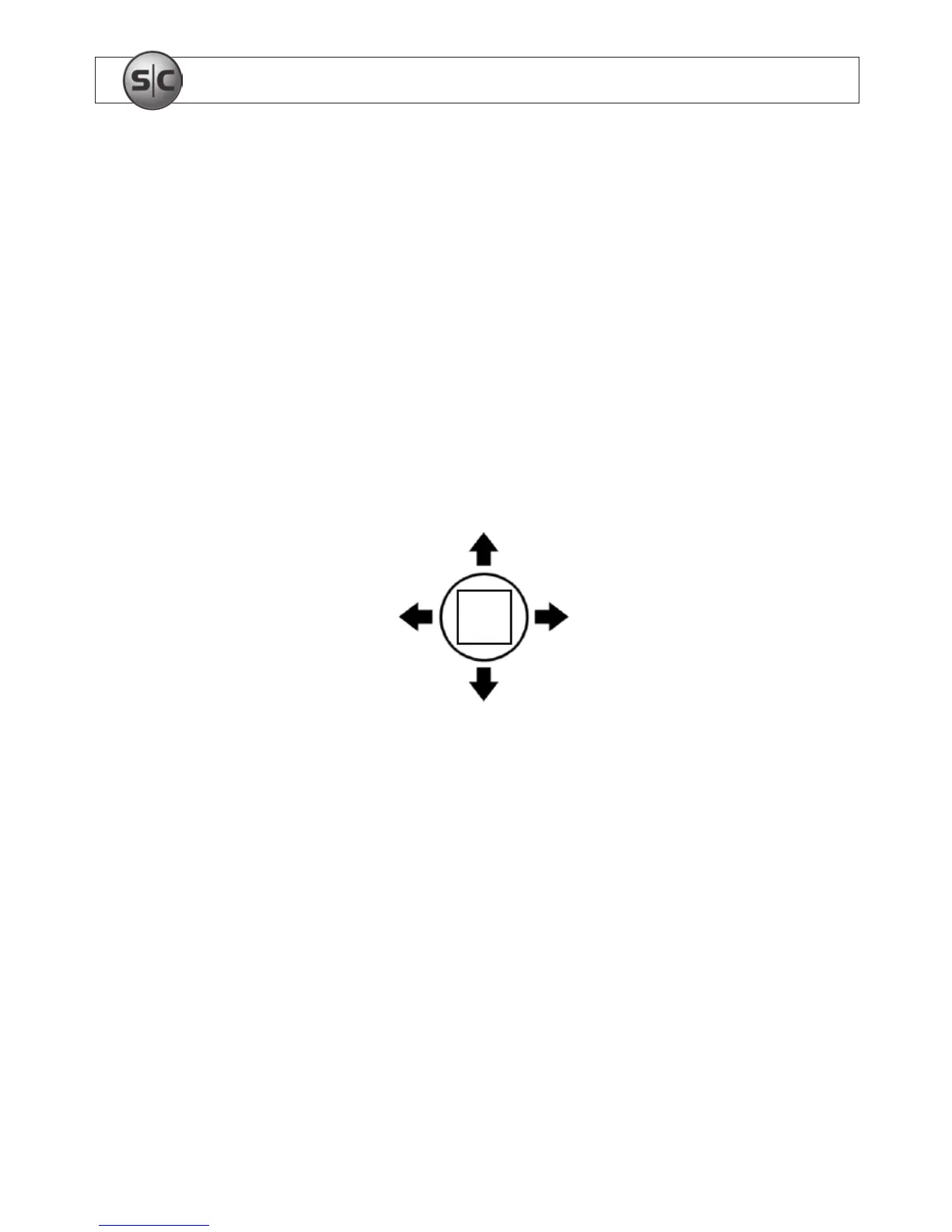
2. While observing video from the camera, press the joystick in (toward the camera
backplate) to open the SETUP menu.
3. Navigate through the menu system and select options as needed:
— Rock the joystick up, down left, or right to navigate through the menu tree.
SET
Up
Left
Down
Right
— Press the joystick in (toward the camera backplate) to open a submenu or select
(SET) an option.
3.1 SETUP menu options
LENS
• DC: Select when using an Auto-iris lens.


 To Next Page