User Manual of Network Video Recorder
32
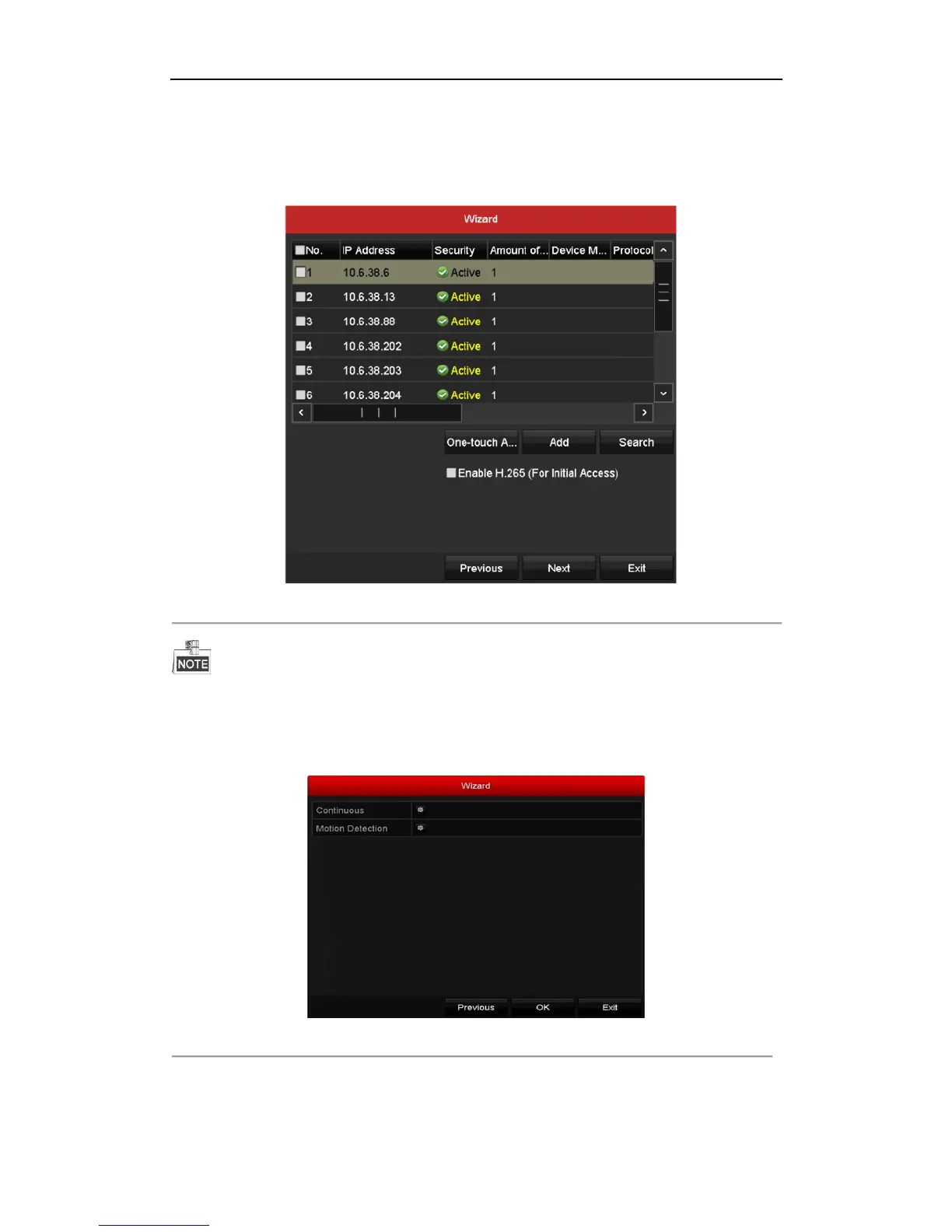
Before adding the camera, make sure the IP camera to be added is in active status.
If the camera is in inactive status, you can click the inactive icon of the camera to set the password to
activate it. You can also select multiple cameras from the list and click the One-touch Activate to activate
the cameras in batch.
Click the Add to add the camera.
Figure 2. 11 Search for IP Cameras
When you check the checkbox of Enable H.265, the NVR can automatically switch to the H.265 stream of IP
camera (which supports H.265 video format) for the initial access.
12. Click Next button. Configure the recording for the added IP Cameras.
Figure 2. 12 Record Settings
13. Click OK to complete the startup Setup Wizard.



 To Next Page