User Manual of Network Video Recorder
81
5.6 Configuring Holiday Recording and
Capture
Purpose:
Follow the steps to configure the record or capture schedule on holiday for that year. You may want to have
different plan for recording and capture on holiday.
Steps:
1. Enter the Record setting interface.
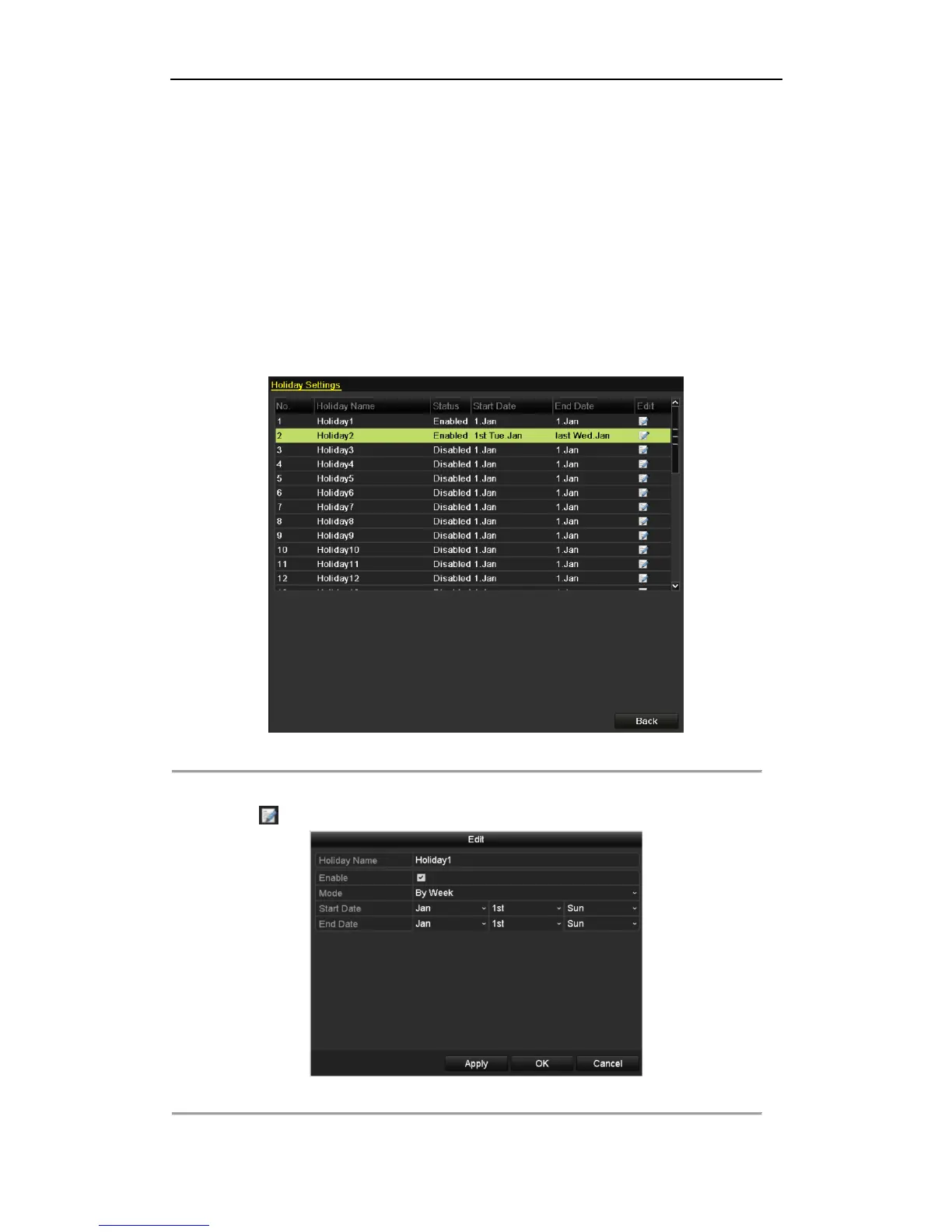
Menu > Record > Holiday
Figure 5. 22 Holiday Settings
2. Enable Edit Holiday schedule.
1) Click to enter the Edit interface.
Figure 5. 23 Edit Holiday Settings



 To Next Page