User Manual of Network Video Recorder
84
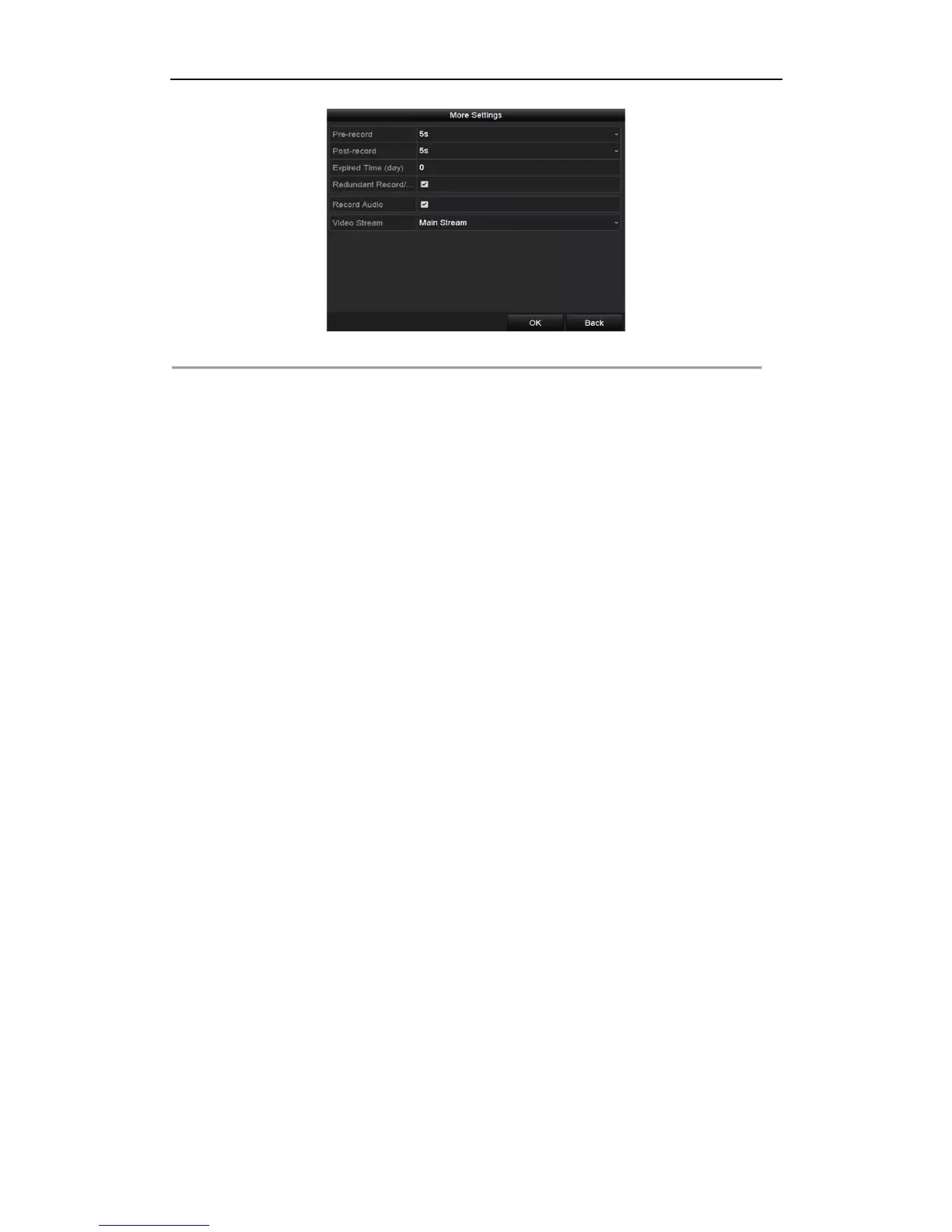
Figure 5. 26 Record Parameters
3) Select Camera you want to configure in the drop-down list.
4) Check the checkbox of Redundant Record/Capture.
5) Click OK to save settings and back to the upper level menu.
Repeat the above steps for configuring other channels.



 To Next Page