User Manual of Network Video Recorder
98
Steps:
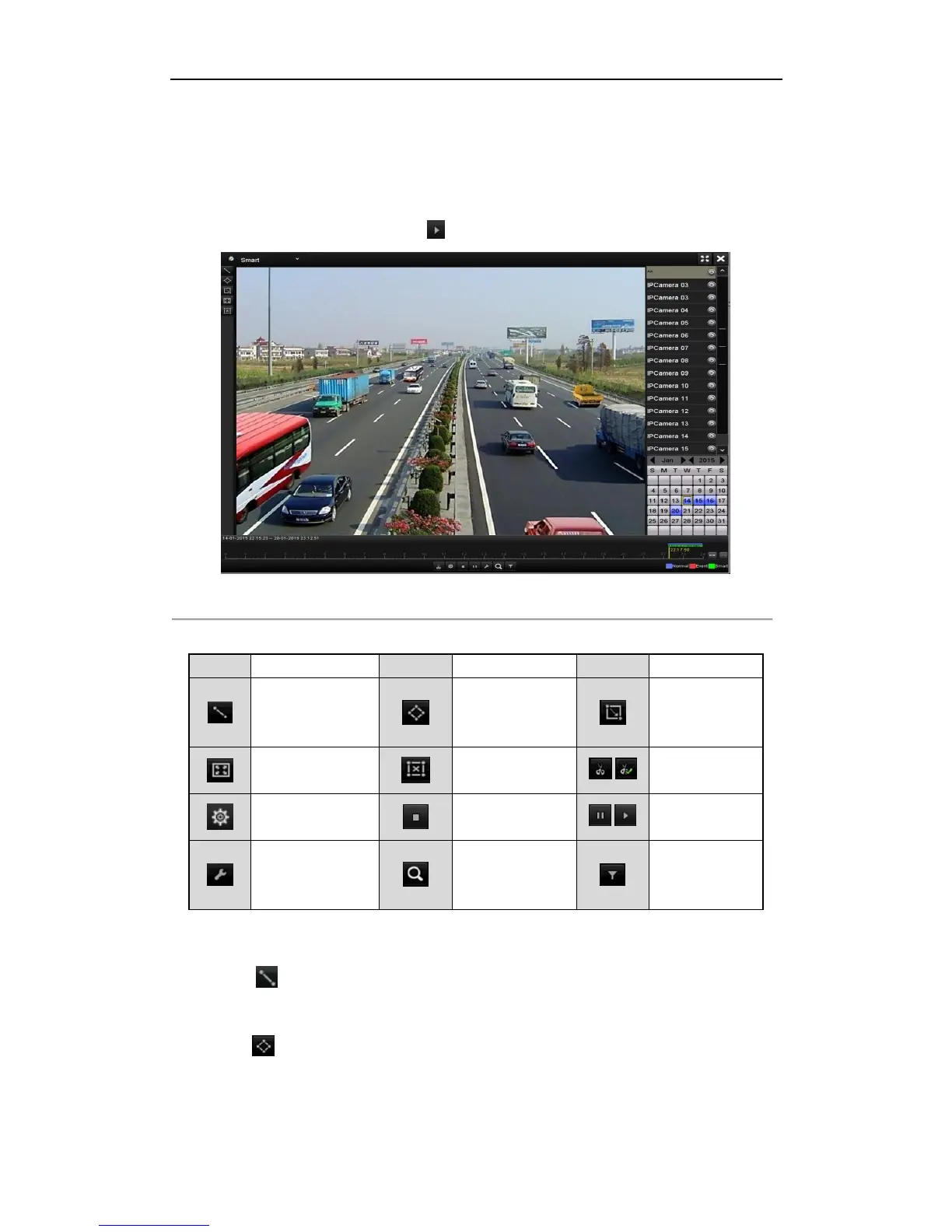
1. Enter Playback interface.
Menu>Playback
2. Select the Smart in the drop-down list on the top-left side.
3. Select a camera in the camera list.
4. Select a date in the calendar and click the button on the left toolbar to play the video file.
Figure 6. 12 Smart Playback Interface
Table 6. 2 Detailed Explanation of Smart Playback Toolbar
5. Set the rules and areas for smart search of VCA event or motion event.
Line Crossing Detection
Select the button , and click on the image to specify the start point and end point of the line.
Intrusion Detection
Click the button, and specify 4 points to set a quadrilateral region for intrusion detection. Only one
region can be set.
Motion Detection



 To Next Page