9
Pulsar LT Installation Cont’d
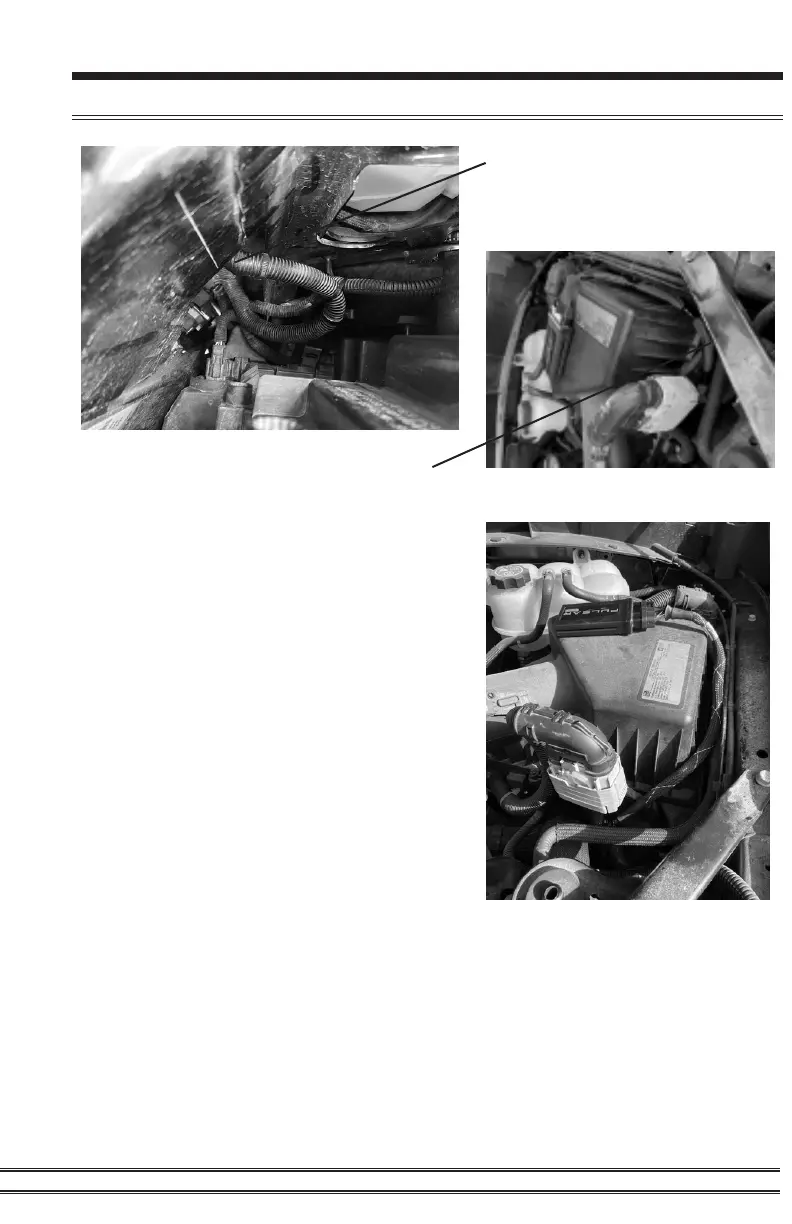
STEP 7 - Install the harness onto the
factory mounting tab and then route the
harness.
STEP 8 - Install the module and Velcro to
the top of the air box. It is a good idea to
clean the back of the module and the top
of the air box with an alcohol wipe before
installing the Velcro.
STEP 9 - Reinstall the negative side
battery terminal.
STEP 6 - Install the zip tie as
shown on the left. It is located
behind the driver side headlight.



 To Next Page