Chapter 2: Confi guring BMC IPMI Settings
2-29
2.5.1.4 Console Redirection - Options
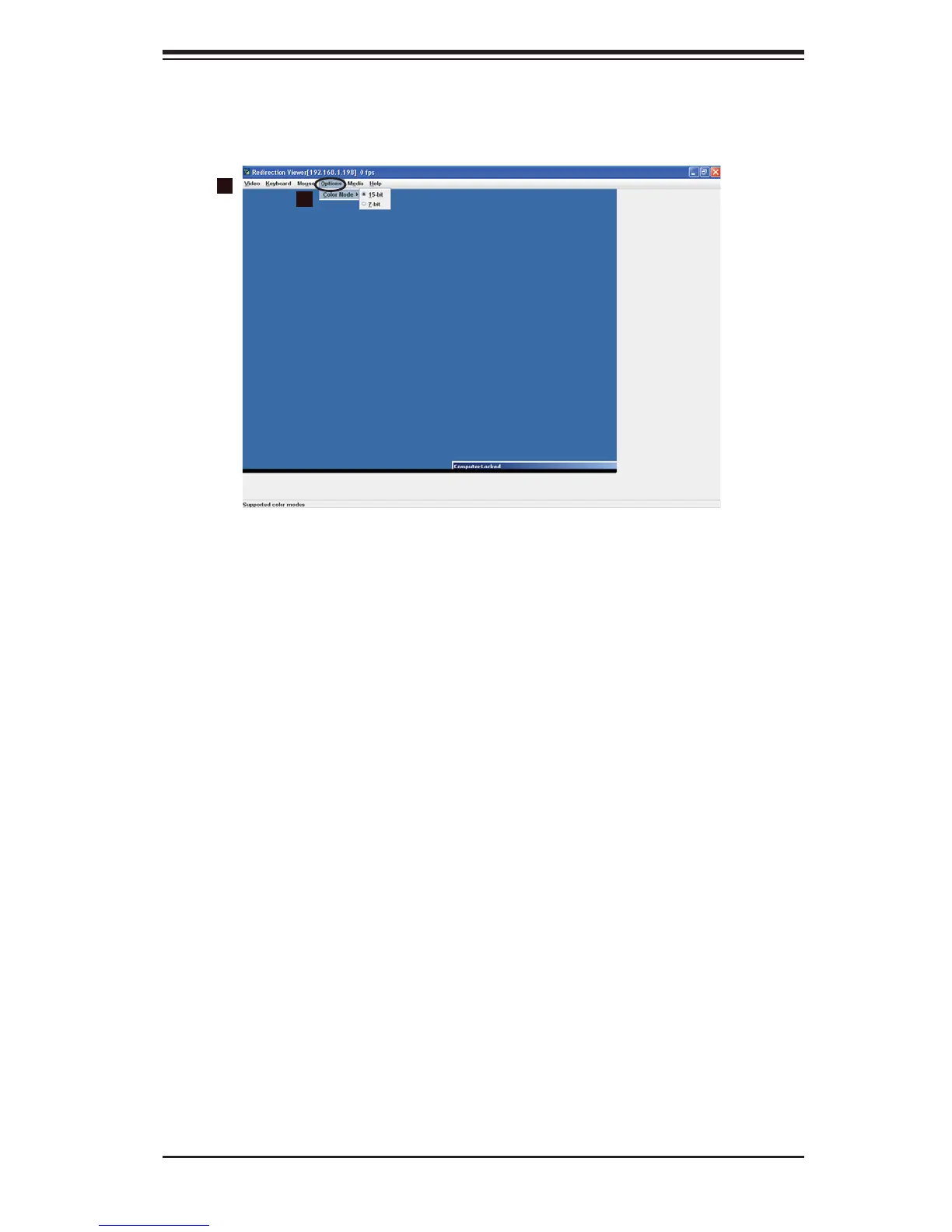
When you click on Options in the Menu bar (1), the (Color mode) Options settings
of the remote console will display as shown below.
Options
The pull-down submenu contains the option listed below.
Color Mode (2): Click this item to choose the color mode of your remote console
from the pull-down submenu:
15-bit
•
7-bit•
2
1



 To Next Page