Chapter 2: Confi guring BMC IPMI Settings
2-35
2.6.1 Maintenance - Firmware Update
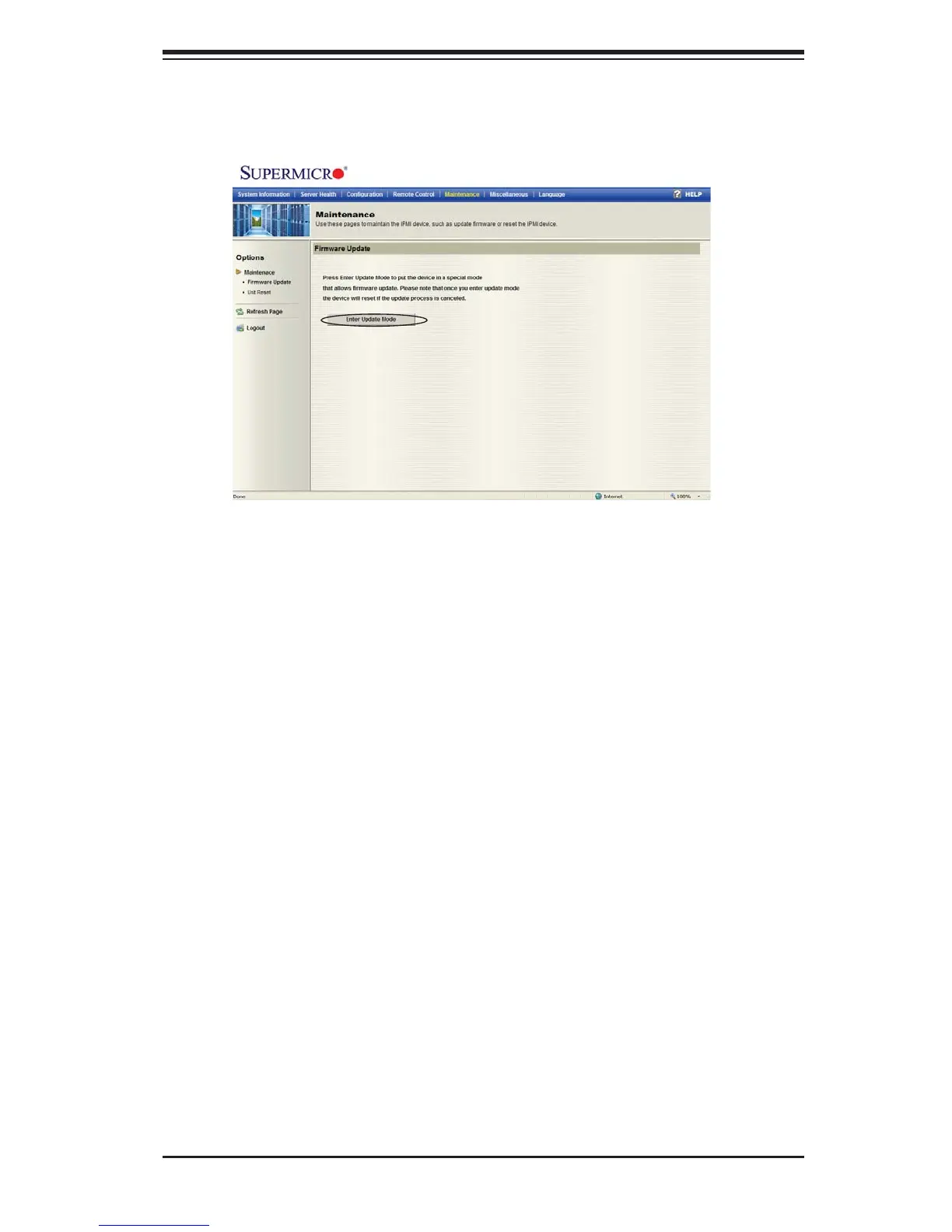
When you click on the Maintenance icon in the Menu bar, the Maintenance Main
page will display as below.
Firmware Update
Enter Update Mode: Click on this item to enter the update mode. Please be cau-
tious when clicking on this item. Once you've entered the fi rmware update mode,
the device will be reset even if you cancel the process of fi rmware updating.



 To Next Page