2-36
Embedded BMC IPMI User's Guide
2.7 Miscellaneous
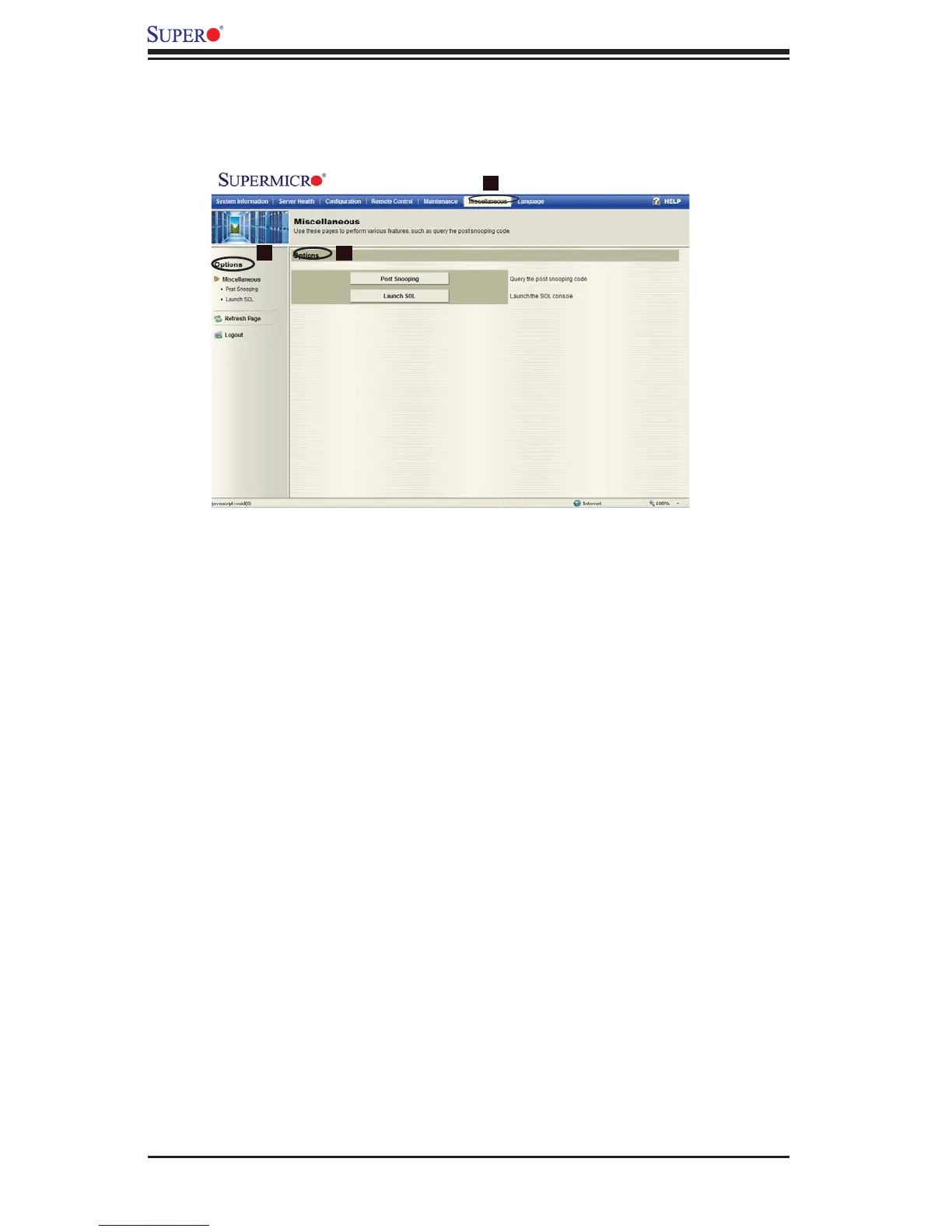
Click on the Miscellaneous icon (1) in the Menu bar to display the Miscellaneous
Main page.
2
1
3
Miscellaneous
Options: Click on the Options window on the left (2) or in the Main Display area
(3) to use Miscellaneous settings. The options include the following:
Post Snooping: Click on this item to update the fi rmware (the BIOS) of your
•
remote console.
Launch SOL: Click on this item to reset your remote console.
•



 To Next Page