Chapter 2: Confi guring BMC IPMI Settings
2-37
2.7.1 Miscellaneous - SOL (Serial Over LAN) Console
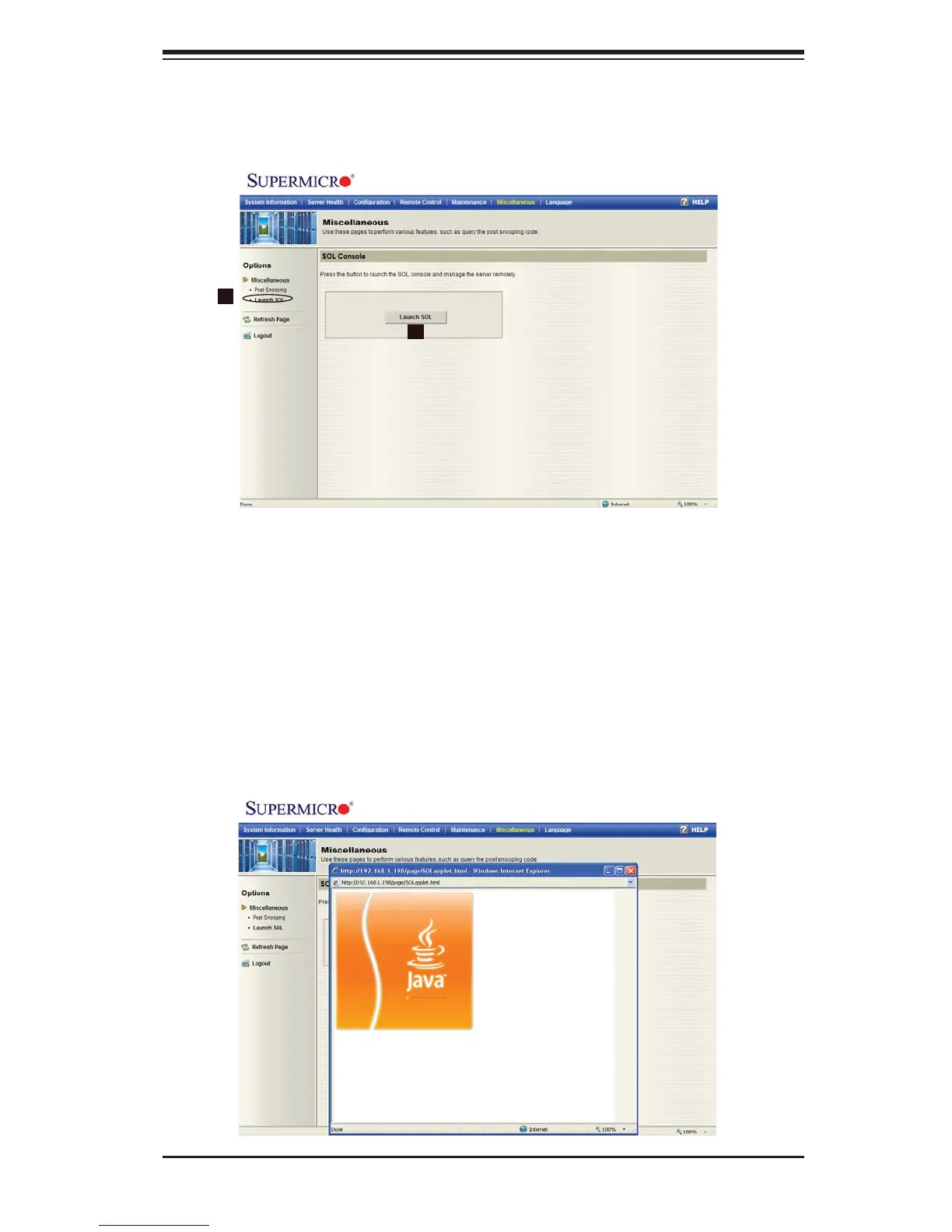
When you click on the Miscellaneous icon in the Menu bar, the Miscellaneous
page will display.
1
2
Launching SOL
Launch SOL: 1. Click on this item in the left Options window to activate SOL
(Serial Over LAN) support, which provides serial port connections over LAN
and allows the user to access a host server via Console Redirection. It also
allows a system administrator to monitor and manage a server from a remote
site.
The Launch SOL Button:2. Click on this button to launch SOL. The following
screen displays to show the progress of SOL launching.



 To Next Page