Page 4 DDAC-1
CO2 buttons
CO2 PPM setting
- Press button to display and/or change
CO2 Parts Per Million (PPM) setting.
CO2 dead-band
- Press button to set the CO2 dead-band set-
point.
Calibrate CO2 PPM
- Press button to re-calibrate the CO2
sensor.
Note: Refer to How to recalibrate CO2.
Special buttons
Temp & humid lock
- Press button to lock or split the humidity
and temperature functions. The user has the option to run both
at the same time or independently.
Temp & CO2 lock
- Press button to lock or split the
temperature and CO2 functions. The user has the option to
disable CO2 during exhaust fan operation, or to allow CO2
and temperature controls to function independently.
Min / Max recall
- Press this button repeatedly to recall the
stored high and low recorded levels for Temperature, Humidity
and CO2. Press and hold the Enter/Reset button while the
recorded value is displayed to reset the Min/Max values.
*To change the temperature reading from F to C,
press and hold the UP and DOWN buttons for 2-3
seconds.
Page 5 DDAC-1
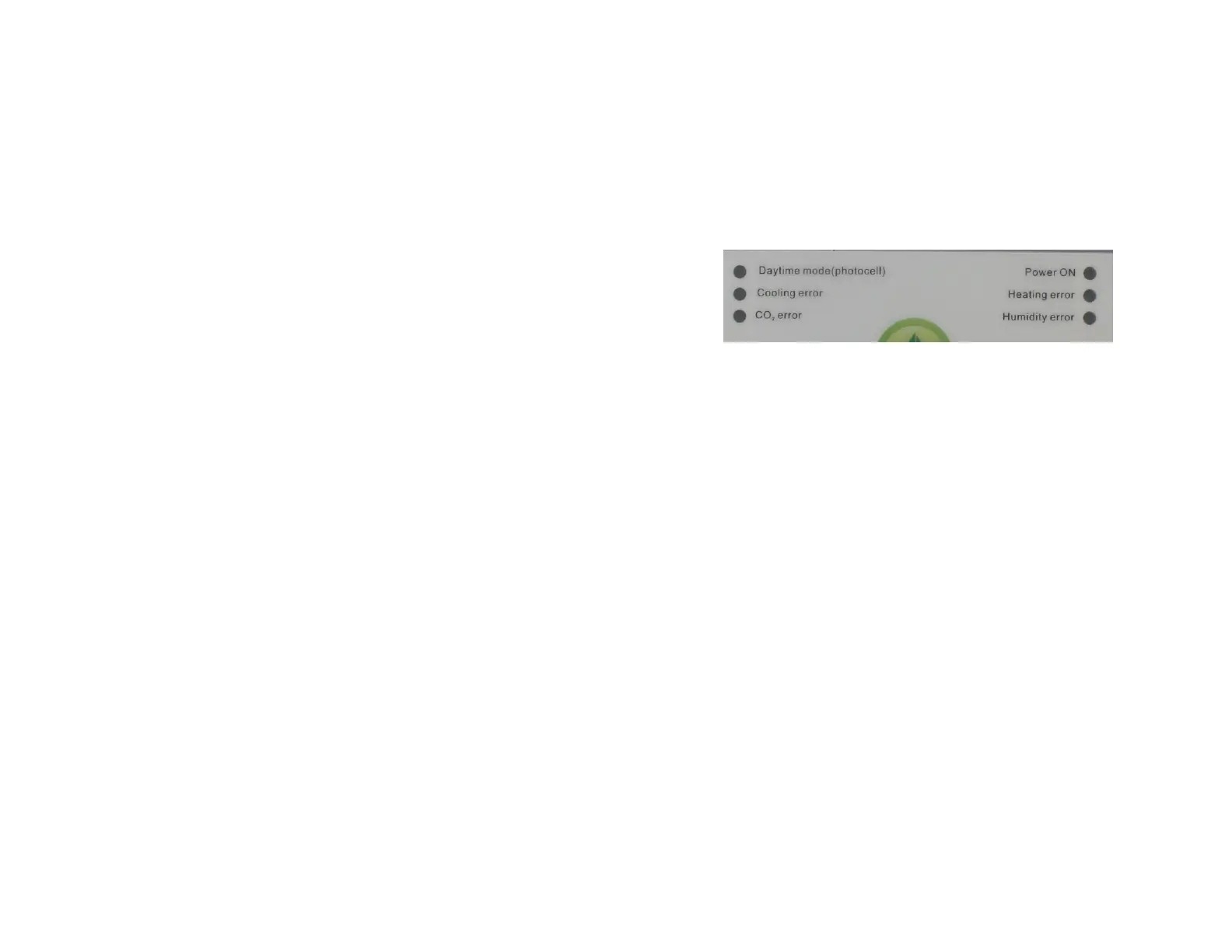
Error LEDs
The DDAC-1 is smart enough to monitor each of the
environmental conditions and to alert the user to a problem
with any of the devices connected to the DDAC-1. Here is how
it works.
As the unit functions normally, the environmental conditions
(temp, humidity & CO2) will be slowly but steadily changing.
These small changes are detected by the controller.
If the controller does not detect a slight change in one (or
more) environmental conditions within a 1-hour period, the unit
will de-activate the affected output and the appropriate green
Error LED will be flashing to indicate which device may have a
problem.
This safety feature is extremely important and useful to
eliminate “runaway” conditions which could result in crop
damage or other more serious problems.
If any of the Error LEDs are blinking, the user should refer to
the example below to help identify the actual cause of the
error.
* EXAMPLE: The Cooling error LED is flashing, it means
that the device connected to the Cooling output either did
not turn on OR that there is a problem with the
temperature sensor. Check the cooling device for proper
operation and verify the remote sensor is reading
properly.
Note: To reset an error, press the Enter / reset button.


 To Next Page
 Loading...