Page 14 DDAC-1
Sulfur vaporizer warning!
If a sulfur vaporizer is used, first remove the remote sensor
from the affected area or turn the controller OFF and cover the
remote sensor probe with a protective plastic bag. Remove the
bag before turning the power back ON.
Note: Failure to protect the sensor during Sulfur use
will result in damage to the infrared CO2 sensor and
void warranty.
Optional PC software
The DDAC-1 has the capability to being connected to a PC /
Laptop. When connected using our special USB interface
cable (sold separately) the software will show the current
conditions “live”. The user can record and chart their
conditions, verify outputs are ON or OFF, even make changes
to the settings. When used with second-party software such as
Go To My PC™, the user can access the DDAC-1 remotely
over the internet. *Ask your local retailer for details.
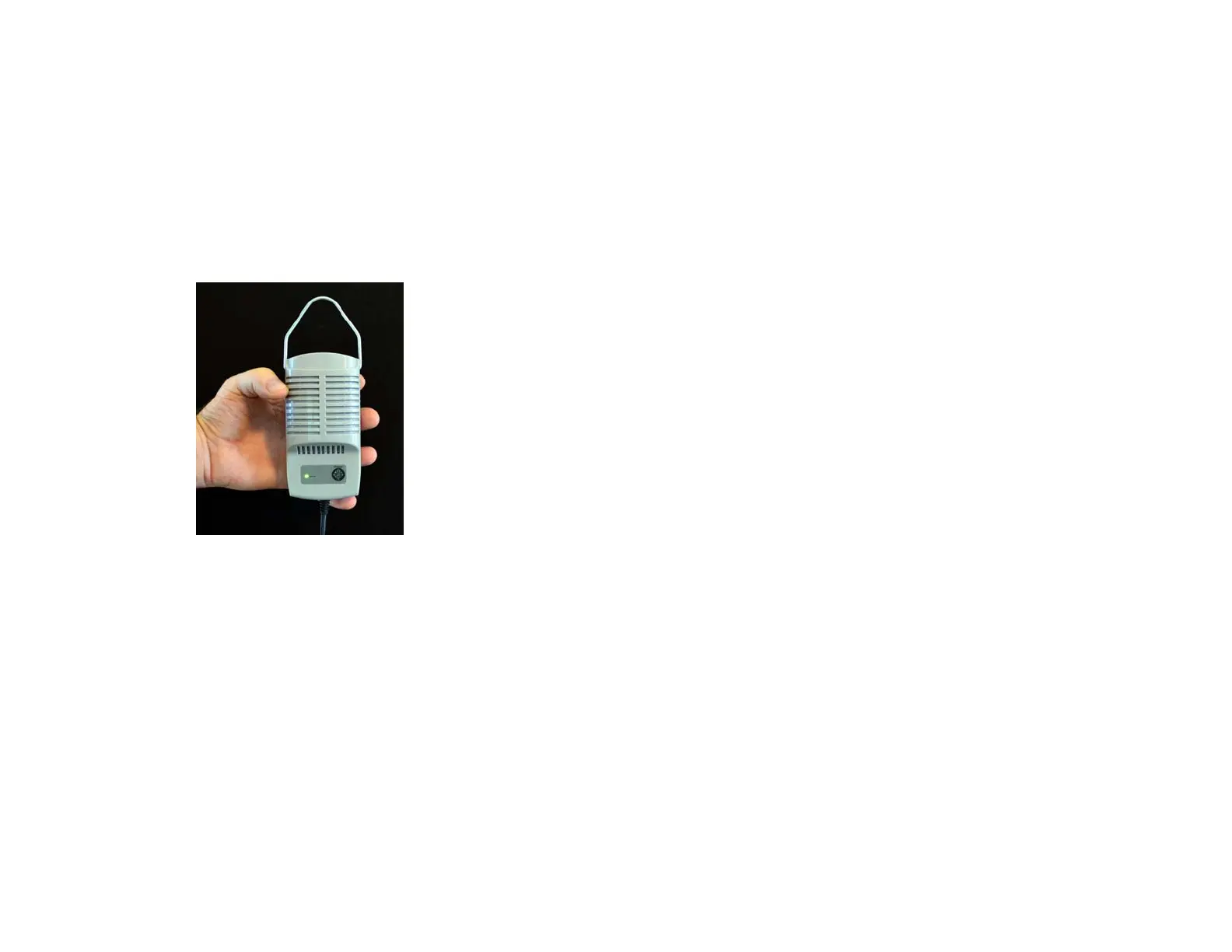
DDAC-1 remote probe assembly
Page 15 DDAC-1
Q & A
How can I tell if my CO2 reading is accurate?
You can
check the calibration of the CO2 sensor by placing the sensor
outdoors for 30 minutes. It should read close to 380 PPM.
*See Calibrate CO2 PPM in the “How to set...” section.
What if my temperature is reading high?
Make sure the
remote probe is not in direct lighting from HID lights or
sunlight. The probe also requires good air flow around it in
order for the internal ventilation fan to quickly sample the air.
Do I need to calibrate my humidity sensor?
No. like the
temperature sensor, the humidity sensor is digital and does
not require calibration. Refer to the above if the humidity
reading does not seem accurate.
Why is the display reading Err SEn?
The remote probe is
not connected and/or communicating with the controller.
Check the quick-connect cable and that the remote probe is
getting power. *Contact the factory for more info.
What if one of the of the small green Error LEDs are on?
One or more environmental conditions are not acting correctly.
Refer to the Error LEDs sections to diagnose the problem.
Why isn’t the CO2 outlet turning on?
Verify the correct CO2
mode has been selected and/or verify the photocell daytime
green led is turned ON.
What if there is no power? Reset the power switch (circuit
breaker). If this continues reduce the number of devices
connected or use a power multiplier (Multi B-1 and Multi B-2)
to control devices with larger amperage.


 To Next Page
 Loading...