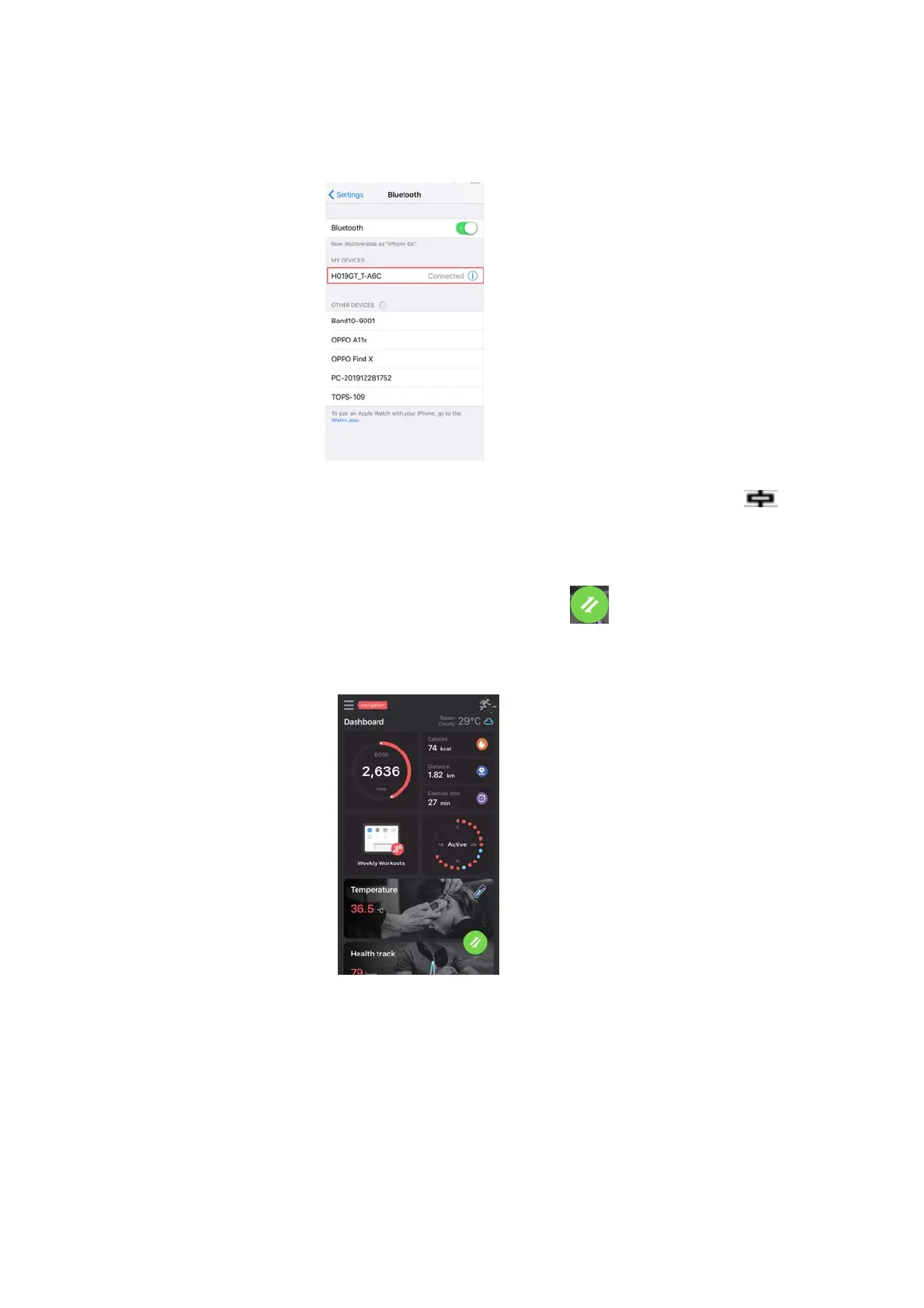
Connectstep2: NowtheBluetoothmenuinterfacedisplays
DW‐019GT_Tconnectedsuccessfullyasbelowpictureshows.
Afterconnectedsuccessfully,asshownbytheiconontheleft.
4.3.2Synchronizingdata
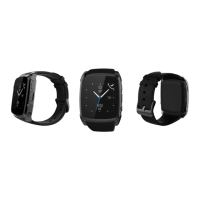
Pairyourwatchwith"HitfitPro"App,Press" "tosyncdata.
YourdatawillbeshownonAppaccordingly.
Notice:
Pleasedon’tshuttheBluetoothnotifyservicewhenyouare
clearingsoftwar ebybackgroundorclosebackgroundapplication
software.Itwillaffectthesyncfunctionbetweenwatchandphoneif
shutit.


 To Next Page