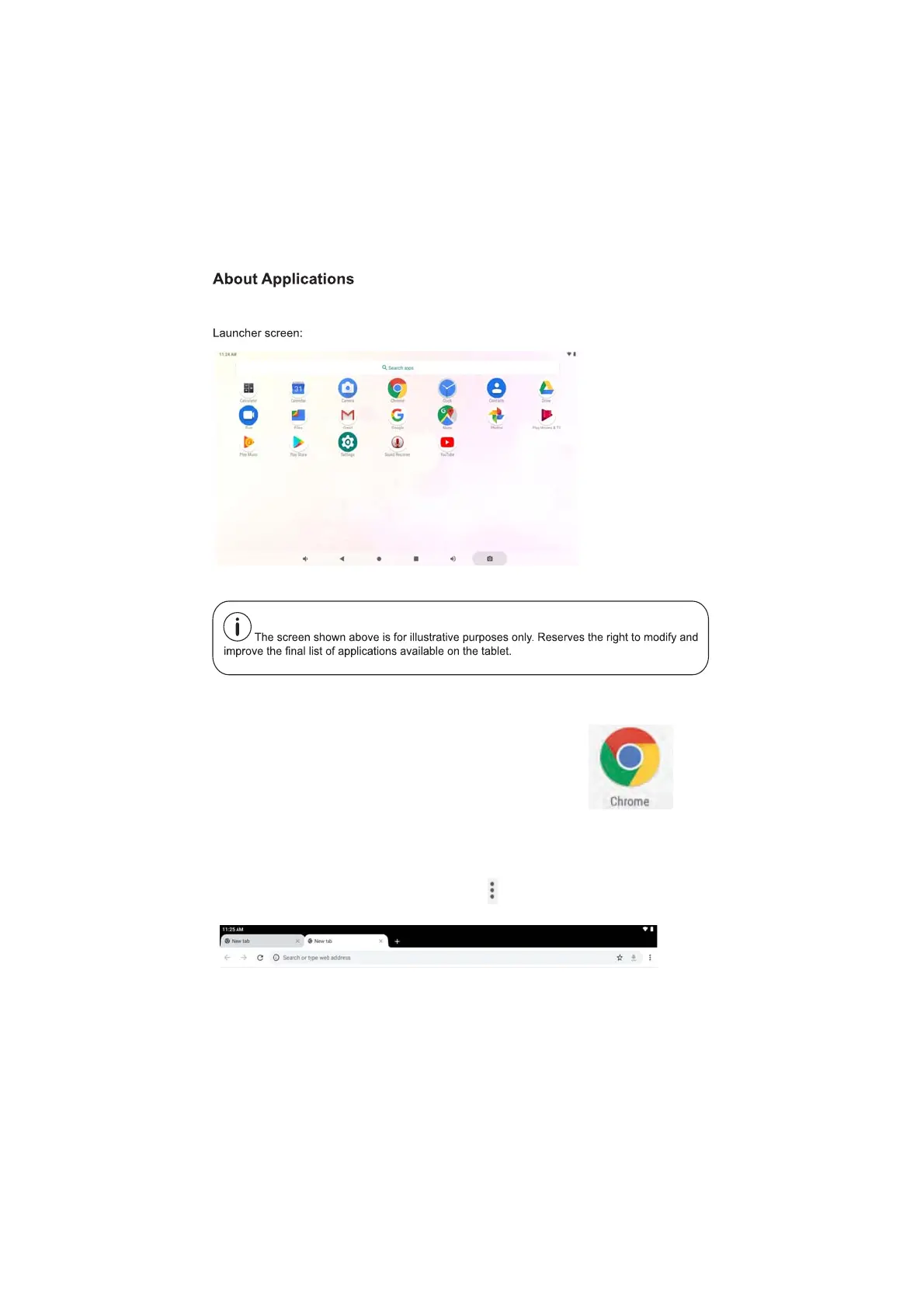
To enter into the application page,please slide upward on the home screen.
Internet Browsing
The Browser app lets you browse and view websites.
1) Go to Application page and select the CHROME icon.
2) Tap the address bar and enter in a URL.
Browser Settings
When browsing a webpage, tap the upper right “ ”, then you can adjust the
settings, add bookmark, view history, etc.
10



 To Next Page