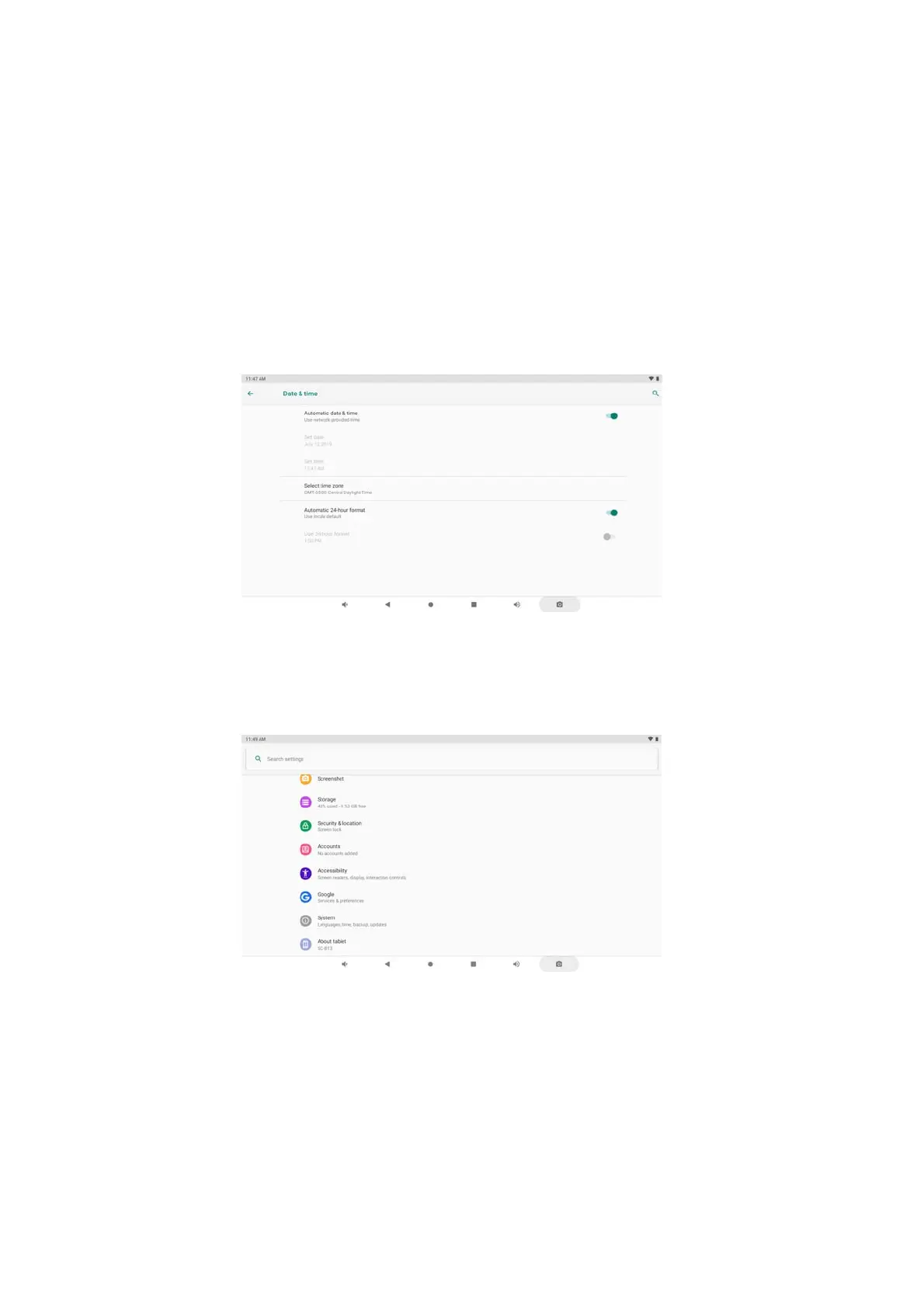
Date & Time
When connected to the internet, turn on “Automatic date & time,”
so the device can obtain real date & time.
Developer Options
Enter Setting Menu, then select “About Tablet,” then tap “Build number”
about 8 times until the Developer
Options menu appears on the screen.
18


 To Next Page