15
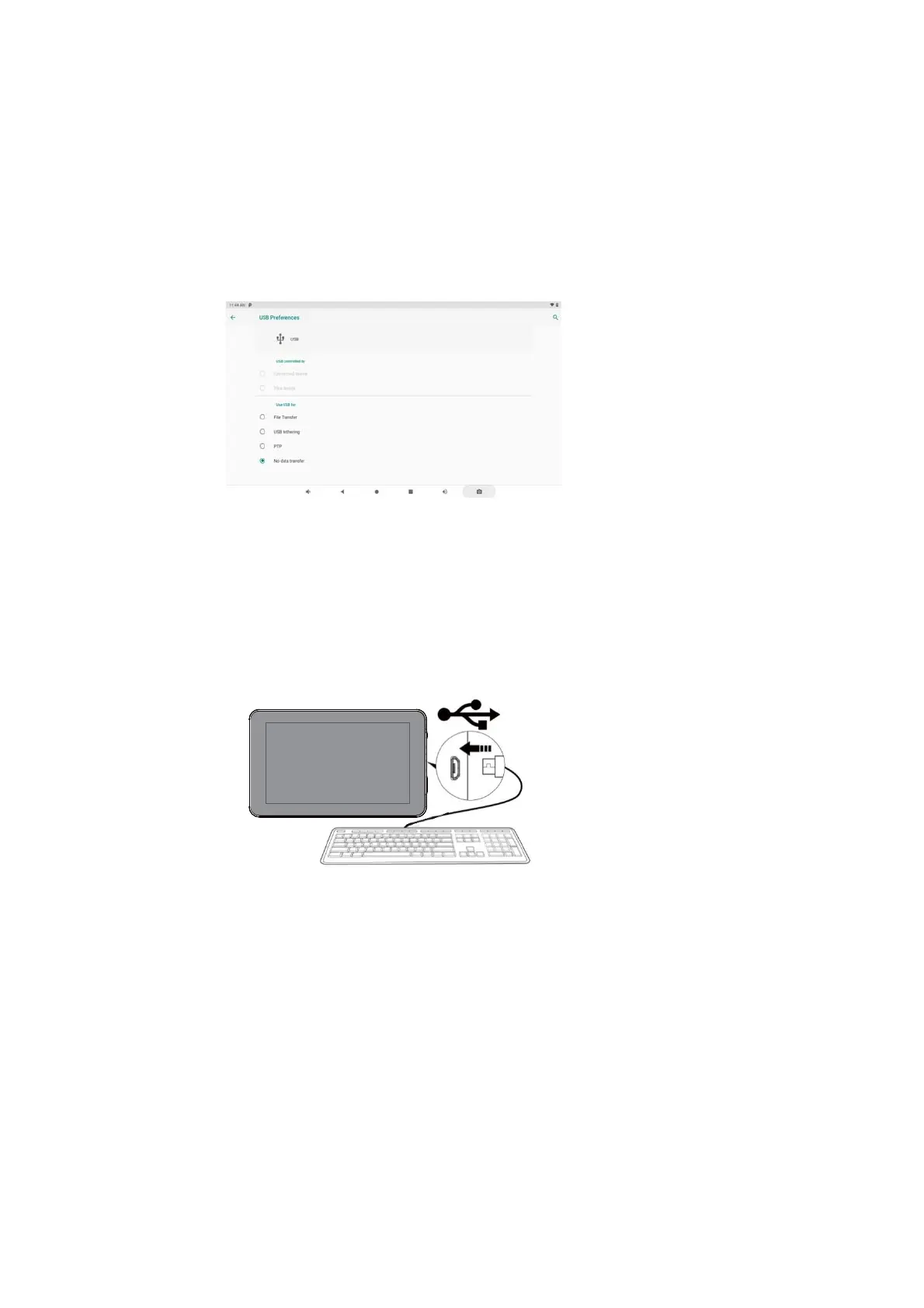
3.Click “Tap for more options” and choose “Transfer files”. You will now be able to
transfer files to your computer.
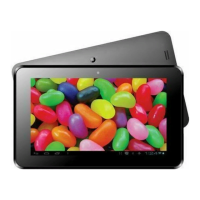
Connecting a USB device
USB Keyboards and mice are supported by this device.
View media files on USB storage with pre-loaded
photo, music, and video applications.


 To Next Page