6
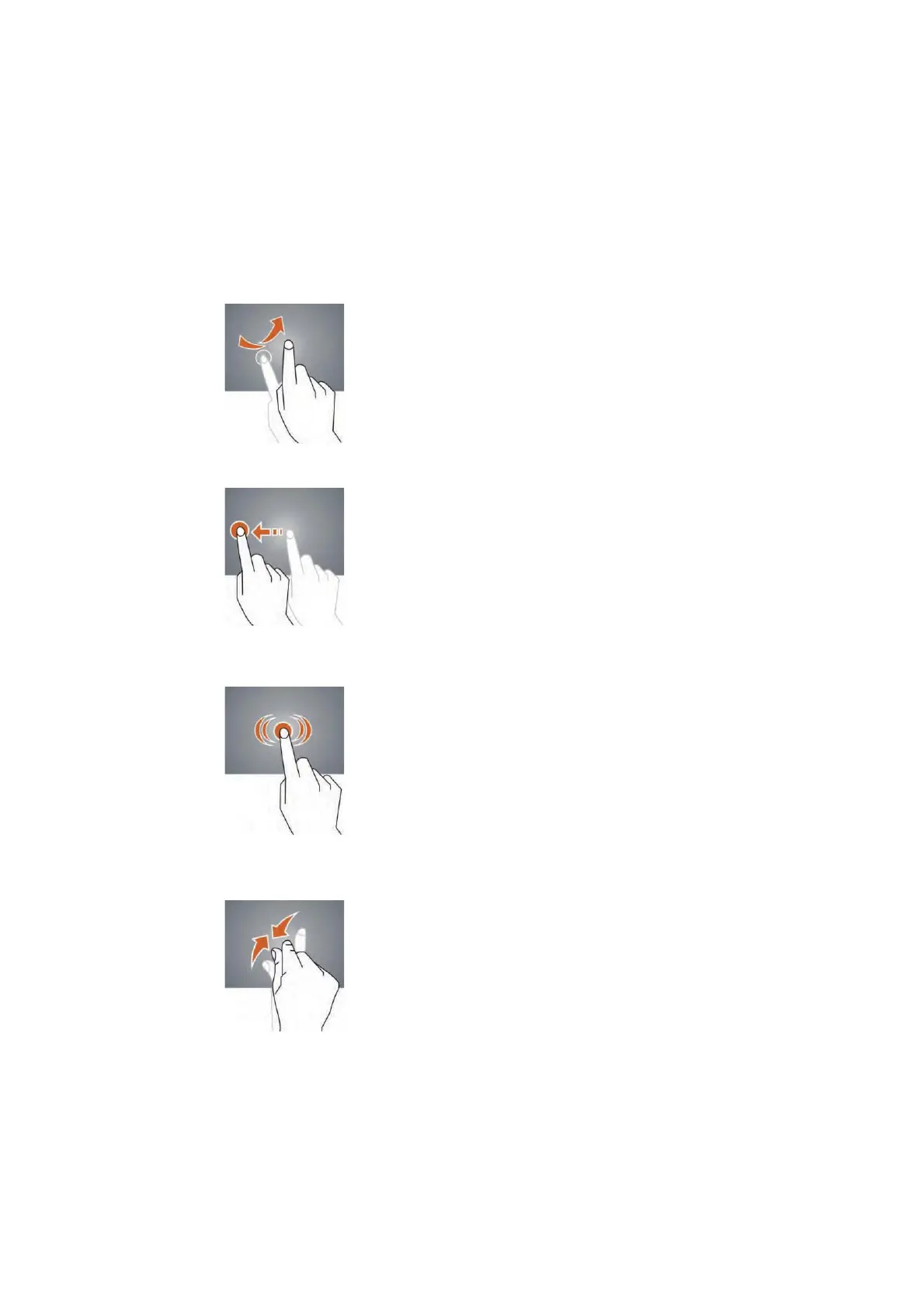
Slide – Slide up, down, left or right for fast scrolling, browsing page and display screen.
Drag – drag an icon to relocate the position.
Double Click – Double click to enlarge or shrink the display size of the picture or while
browsing a website.
Shut – Use two fingers at same time on touch panel, to enlarge or to shrink the
display scale.


 To Next Page